You watched the whole lecture. Ninety minutes, start to finish, no distractions. Now it's the next day and you're trying to recall what the professor said about the second concept, and — nothing. Just a vague sense that you watched something useful once.
This is the single most common way students lose to video. Watching isn't the same as learning, and a video timeline is a terrible place to study from — you can't skim it, search it, or quiz yourself on it. What you need is notes.
This guide covers turning a YouTube video into notes two ways: the fast method (paste a link into a free AI tool and get structured notes in seconds) and the manual method (do it yourself with the transcript, no tools required). Pick whichever fits the moment, then use both to build a system that actually helps you master what you watched.
TL;DR: Paste a YouTube link into a free AI note-taker (no sign-up needed) and get structured study notes in seconds — then turn them into flashcards and let spaced repetition schedule your reviews. The manual transcript method is below too.
Why turn a YouTube video into notes?
Because watching a video and learning from it are two different activities. Video is passive by design — you sit, you absorb, you move on. Nothing forces you to identify what mattered, connect it to what you already know, or notice what you didn't understand. That's the work notes do.
The forgetting curve backs this up. Psychologist Hermann Ebbinghaus found that we forget roughly 70% of new information within 24 hours unless we do something with it (Ebbinghaus, 1885). A video you watched yesterday and never touched again is, from your brain's perspective, mostly gone already — even if it felt clear while you were watching it.
Notes fix the two real problems with video as a study source:
- They're searchable. A 45-minute video has no index. Notes do — you can scan them in seconds instead of scrubbing a timeline hoping to land on the right minute.
- They force engagement. Deciding what's worth writing down, and how to phrase it, is itself a form of active processing that watching alone never provides.
There's a third reason that matters just as much: notes are portable across your whole study system. A video lives on YouTube. Notes can turn into flashcards, get folded into a study guide, or sit alongside your other course material — none of which is possible while the information is still trapped inside a timeline.
If you're studying for finals, an AP exam, or a professional exam like the MCAT or the NCLEX, the video itself was never the goal. The notes — and what you do with them afterward — are what actually get you exam-ready.
The fast way: AI notes from a YouTube video (free, no sign-up)
If you want structured notes from a YouTube video right now, this is the fastest path: paste the link into a free YouTube-to-notes tool, wait a few seconds, and read your notes.
Here's the process with NoteTube's free YouTube-to-notes tool:
- Copy the YouTube URL. Any public video works — lecture, tutorial, conference talk, documentary.
- Paste it into the tool. No account, no sign-up, no browser extension to install.
- The AI reads the video's actual transcript. This matters: a good tool is content-faithful, meaning it generates notes from what was actually said in your specific video, not a generic summary of the topic pulled from general knowledge. If the professor made an offhand point at minute 14, that point should show up in your notes.
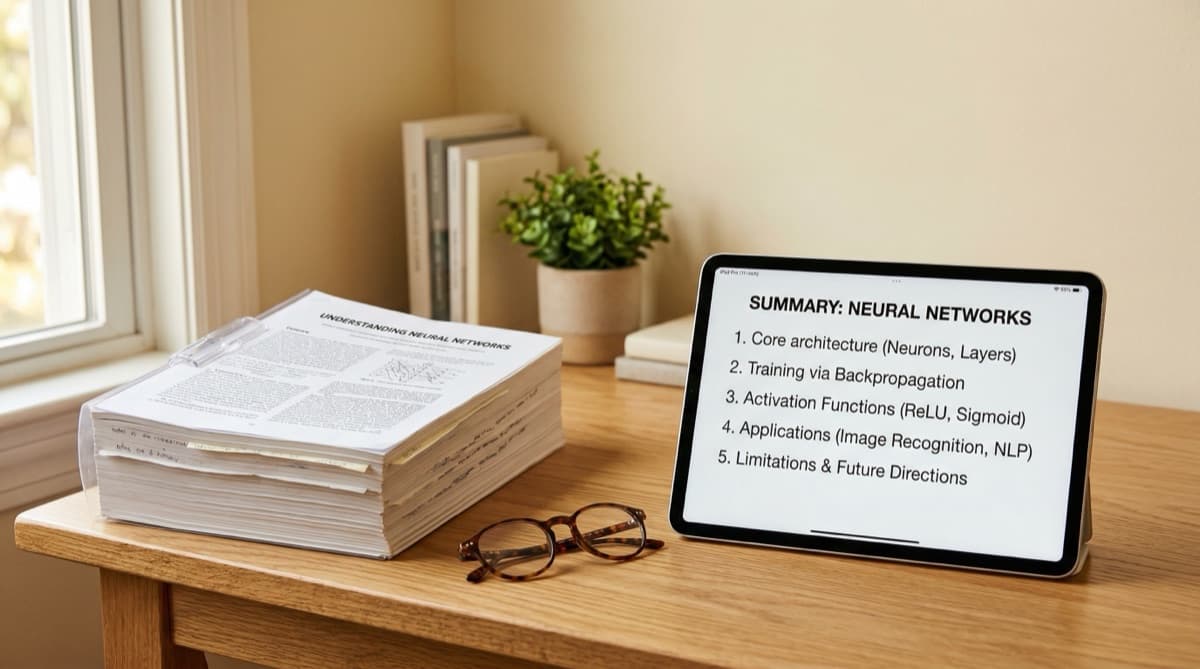
- Get structured notes in seconds. You receive organized notes with headings, key concepts, and definitions — not a wall of unbroken text.
- Ask follow-up questions. A real study tool doesn't stop at a static summary. Ask something like "what example did the professor use for the second concept?" and get an answer pulled straight from the video.
That's the whole appeal: it doesn't matter how long the video is, because you're never watching it end to end just to extract what you needed.
This works the same way whether the video is a two-hour lecture recording, a 15-minute tutorial, or a conference talk your professor assigned as supplementary material. Longer, denser videos are actually where this method saves the most time, since the alternative — pausing every few minutes to write things down by hand — scales badly with video length. A free tool with no sign-up also means there's no friction between "I found a useful video" and "I have notes from it." You don't need to create an account before you can decide whether the tool is worth using.
The manual method: notes from a YouTube transcript
Prefer to do it yourself, or need a method that works without a tool? YouTube's built-in transcript makes manual note-taking from video far more practical than it used to be. Here are two ways to do it — pick pause-and-write for a shorter video where you want deep engagement with every point, and transcript-first when you're working through something long and need to move faster.
Pause-and-write
This is the classic method, and it still works well for shorter or especially dense videos.
- Start the video and watch until a point or concept is complete — usually 2 to 5 minutes.
- Pause.
- Write the key idea in your own words, along with the timestamp.
- Resume and repeat until the video ends.
A few things make this faster. Don't try to write down every word — paraphrasing forces you to actually understand an idea before you can restate it. Note the timestamp for each point so you can jump back to it later without rewatching the whole video. And mark anything confusing with a question mark rather than stopping to puzzle it out mid-video; come back to it once you've finished.
The tradeoff is time — a one-hour video can easily take two hours to process this way — so save pause-and-write for videos short or important enough to justify that investment.
Transcript-first
For longer videos, working from the transcript directly is faster than pausing repeatedly.
- Open the video and click the three-dot menu below it.
- Select "Show transcript." YouTube auto-generates one for most videos.
- Copy the transcript text.
- Read through it once, flagging the sections that actually matter.
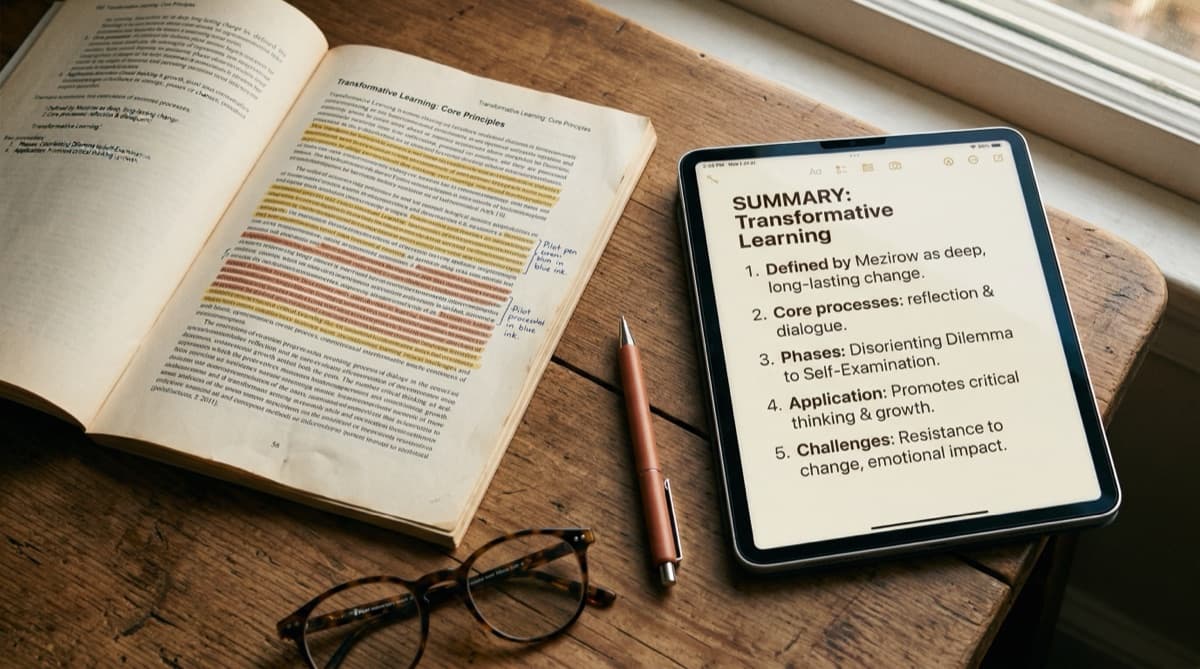
- Rewrite the flagged sections into structured notes — headings, bullet points, definitions — rather than leaving it as a raw wall of text.
Auto-generated transcripts aren't perfect; expect occasional errors, especially with technical vocabulary or accented speech. But reading a transcript still takes a fraction of the time watching does, which is the whole point.
Whichever method you use, the output should look like real notes, not a transcript with a few words trimmed. For more structured formats you can layer onto either method — Cornell Notes, outlines, or a boxing method — see our full guide on how to take notes.
Turn your notes into flashcards
Notes alone aren't the finish line. However good your notes are, rereading them is a weak way to study — recognizing information feels like knowing it, but recognition and recall are different skills, and only one of them shows up on an exam.
Karpicke and Roediger's 2008 study found that students who tested themselves on material retained it far more durably than students who simply reread it the same number of times, even though the re-readers often felt more confident going in (Karpicke & Roediger, 2008). That's active recall: retrieving an answer from memory instead of just looking at it again.
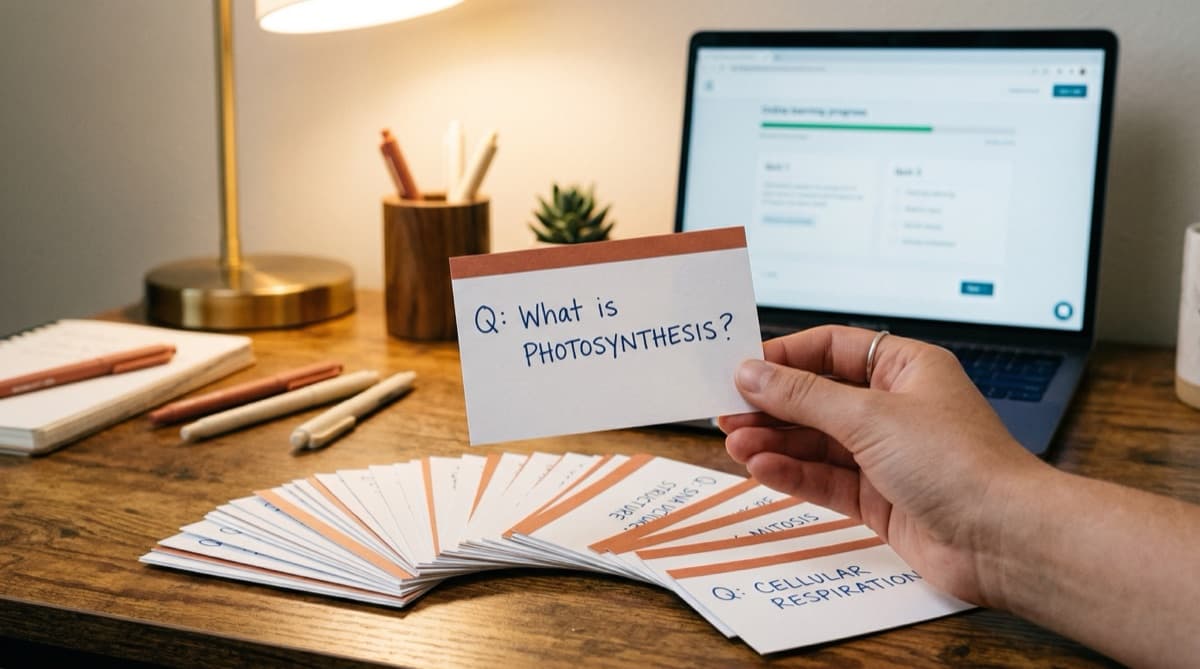
Flashcards are the simplest way to build active recall into your routine, and your video notes are the raw material for building them. Every key concept becomes a card; every definition becomes a question. Turn "the professor's example for the second concept" into "what example did the professor use, and why does it apply?" — writing the question is often where the real understanding happens.
If you'd rather not build cards by hand, an AI flashcard maker can generate a deck directly from your notes, which is especially useful when you have several videos' worth of material to turn into cards before an exam. A good deck mixes card types — straight definitions, "why" questions that require explaining a concept rather than naming it, and worked examples pulled from the video — so you're not just testing recognition of a term but whether you can actually use it.
Make it stick with spaced repetition
Flashcards test you. Spaced repetition decides when. Left to your own judgment, you'll either review too often — wasting time on things you already know — or too rarely, forgetting things before you get back to them. An algorithm like SM-2 solves this by scheduling each card's next review right before you're likely to forget it, based on how well you answered it last time.
This is where spaced repetition and active recall work together: recall does the retrieving, spacing does the timing, and the combination is what actually moves information from short-term memory into something you can access under exam pressure — the kind you'll need for finals, the MCAT, the NCLEX, or any exam where you don't get to look anything up.
The full workflow looks like this: watch the video, turn it into notes, turn the notes into flashcards, and let spaced repetition schedule the reviews. None of those steps takes more than a few minutes once the notes exist.
If you're studying from several videos over the course of a week — a lecture, a couple of supplementary tutorials, a review session — each one feeds the same deck. By the time an exam is close, you're not scrambling to rewatch anything. You're just running through reviews that were already scheduled for exactly the right day.
FAQ
How do I get notes from a YouTube video for free?
Paste the video's URL into a free AI note-taking tool — no sign-up required for a basic set of notes. NoteTube's free YouTube-to-notes tool reads the video's transcript and returns structured notes in seconds. Prefer to skip the tool entirely? YouTube's built-in transcript (three-dot menu → "Show transcript") gives you the raw text to organize yourself.
Can AI take notes from a YouTube video?
Yes. AI tools built for this read the video's actual transcript, identify the key concepts and structure, and generate organized notes — headings, definitions, and important points — instead of a flat block of text. Good tools are content-faithful, meaning the notes reflect what was actually said in that specific video, not a generic summary of the topic.
Is there a YouTube-to-notes tool with no sign-up?
Yes — NoteTube's YouTube-to-notes tool works without creating an account for a basic set of notes. Paste the link and read your notes immediately. Signing up later unlocks saving your notes, turning them into flashcards, and building a full study session around the video.
How do I make flashcards from a YouTube lecture?
Start with notes, not the raw video — trying to write flashcards while watching means missing content. Once you have structured notes, turn each key concept or definition into a question-and-answer pair. An AI flashcard maker can do this automatically from your notes, saving the time of writing every card by hand.
Start turning videos into notes today
Watching a video and calling it studying is one of the easiest ways to lose an afternoon and remember almost nothing from it afterward. The fix isn't complicated:
- Paste the link into a free YouTube-to-notes tool for structured notes in seconds — no sign-up needed
- Or work from the transcript yourself with the pause-and-write or transcript-first method
- Turn your notes into flashcards and use active recall instead of rereading
- Let spaced repetition schedule your reviews so the material is still there when you need it
Whether you're prepping for finals, the MCAT, or the NCLEX, the video was never the study session — the notes are. Try NoteTube free, no credit card required, and turn your next lecture into notes before you forget what was in it.
Create Perfect Notes in 30 Seconds
NoteTube uses AI to generate structured notes from any video, PDF, article, or text. Start free today.