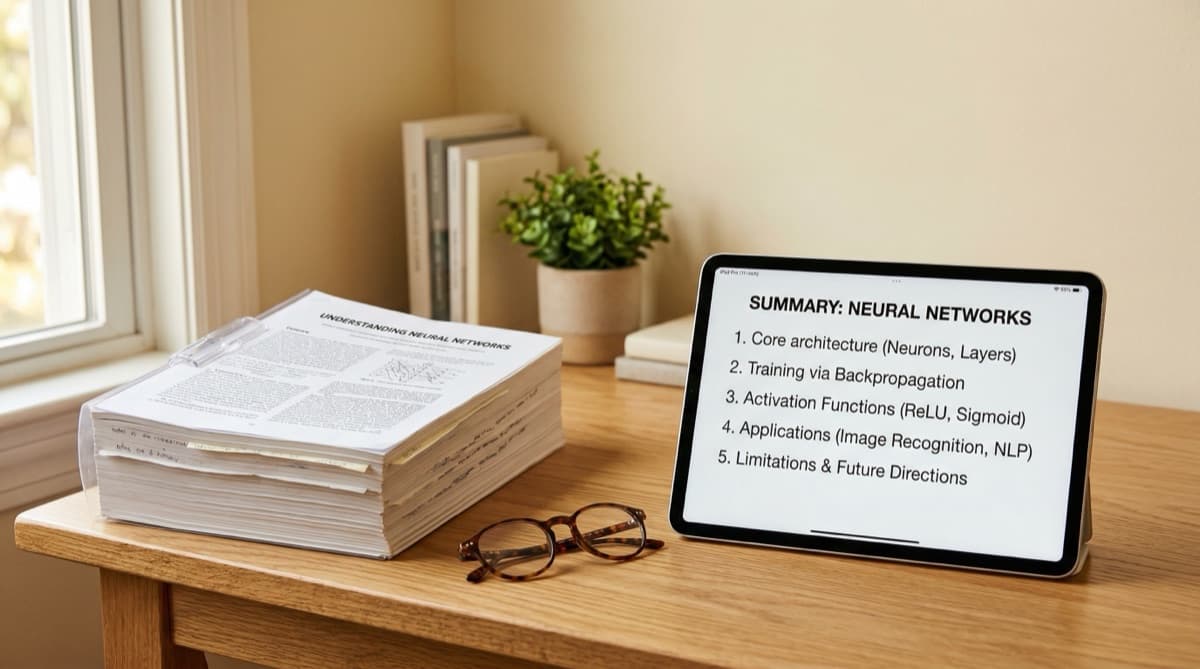
You've got a 50-page PDF to read by tomorrow. Maybe it's a research paper, a textbook chapter, a technical manual, or course materials. Reading every word would take hours you don't have.
You need to extract the key information quickly without missing anything important.
This guide covers 5 proven methods to summarize PDFs for studying, ranging from manual techniques to AI-powered tools. By the end, you'll know exactly which approach fits your situation and how to implement it.
Why Summarizing PDFs is Essential
The Volume Problem
Students and professionals face more reading than ever:
- Average college student: 200+ pages of reading per week
- Graduate students: Often 500+ pages weekly
- Professionals: Reports, documentation, research papers
Reading everything word-for-word is impossible. Effective summarization isn't just helpful—it's mandatory for survival.
Active Reading vs. Passive Reading
Simply reading a PDF is passive. Information flows through your brain without sticking. Summarizing forces active engagement:
- You identify main ideas
- You distinguish important from trivial
- You rephrase concepts in your own words
- You create connections between ideas
This active processing dramatically improves comprehension and retention.
Summarization as Study Material
Good summaries become powerful study tools:
- Quick review before exams
- Reference material for projects
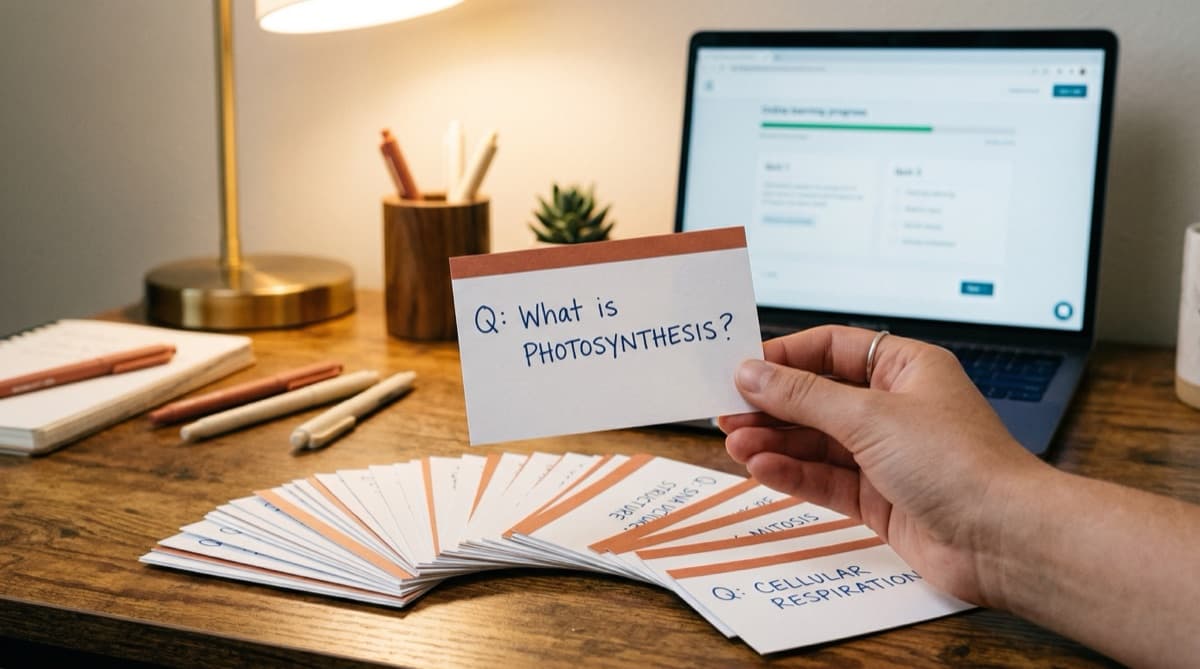
- Foundation for flashcards and spaced repetition
- Starting point for active recall practice
Time invested in summarization pays dividends throughout your learning.
Method 1: The SQ3R Method (Manual)
SQ3R stands for Survey, Question, Read, Recite, Review. It's a systematic approach to reading comprehension developed in the 1940s and still highly effective.
How It Works
Survey (5 minutes)
- Scan headings, subheadings, and bold text
- Look at figures, charts, and tables
- Read the introduction and conclusion
- Get an overview before diving in
Question (2 minutes)
- Turn headings into questions
- "Factors Affecting Climate" becomes "What factors affect climate?"
- Write these questions down
- You're creating a roadmap for focused reading
Read (Variable)
- Read to answer your questions
- Don't highlight everything—be selective
- Note key definitions, examples, and arguments
- Skip or skim sections that don't answer your questions
Recite (5-10 minutes)
- After each section, close the PDF
- Answer your questions from memory
- Write brief notes in your own words
- This is active recall in action
Review (5 minutes)
- Look over your notes
- Fill in any gaps
- Create a one-paragraph summary of the entire document
Best For
- Textbook chapters
- Documents you need to understand deeply
- Material that will be tested
- Complex or technical content
Pros and Cons
| Pros | Cons |
|---|---|
| Deep comprehension | Time-intensive |
| Creates excellent study notes | Requires focus and energy |
| Works with any PDF | Not suitable for quick overviews |
| No tools needed |
Method 2: The Cornell Note Method (Manual)
The Cornell Method adapts beautifully for PDF summarization. Instead of using it during a lecture, use it while reading.
How It Works
Set up your note page:
- Draw a vertical line 2.5 inches from left edge
- Draw a horizontal line 2 inches from bottom
- You now have: Cue column (left), Notes (right), Summary (bottom)
While reading the PDF:
- Write key information in the Notes column
- Paraphrase—don't copy verbatim
- Include page numbers for reference
- Note definitions, main arguments, and important examples
After reading:
- Create questions in the Cue column
- These questions should trigger the notes content
- Write a summary of the entire PDF at the bottom
For studying:
- Cover the Notes column
- Use Cue questions to test yourself
- Check your answers against the notes
Download our free Cornell Notes template to get started.
Best For
- Academic papers
- Articles and reports
- Content you'll need to recall later
- Exam preparation material
Pros and Cons
| Pros | Cons |
|---|---|
| Built-in study system | Takes practice to master |
| Great for exam prep | More time than quick scanning |
| Creates reusable notes | Requires writing by hand or setup |
| Proven effectiveness |
Method 3: Hierarchical Summarization (Manual)
This method creates a structured outline that mirrors the document's organization. It's especially useful for long, complex documents.
How It Works
Step 1: Capture the Structure
- Note all major headings (Level 1)
- Note all subheadings (Level 2)
- Note any sub-subheadings (Level 3)
Step 2: Summarize Each Section
- Under each heading, write 1-3 bullet points
- Each bullet should capture one key idea
- Keep bullets to one sentence each
Step 3: Add Key Details
- Under important bullets, add sub-bullets with specifics
- Include definitions, examples, or data points
- Only add details you need to remember
Step 4: Create Top-Level Summary
- Write 3-5 sentences capturing the entire document
- Put this at the beginning of your outline
- This is your "executive summary"
Example Structure
# Document Title
Executive Summary: [3-5 sentences]

## Section 1: [Heading]
- Main point A
  - Supporting detail
  - Key example
- Main point B
- Main point C

## Section 2: [Heading]
- Main point D
- Main point E
  - Important statistic
Best For
- Technical documentation
- Research papers
- Long reports
- Reference material
Pros and Cons
| Pros | Cons |
|---|---|
| Preserves document structure | Doesn't work for all document types |
| Easy to scan later | Can become too detailed |
| Good for reference | Requires organizational thinking |
| Scalable to any length |
Method 4: The Progressive Summary (Manual)
This method creates summaries at multiple levels of detail. It's ideal when you need both quick reference and deep understanding.
How It Works
Layer 1: The One-Liner
- Capture the entire document in one sentence
- What is the main message?
Layer 2: The Paragraph
- Expand to 3-5 sentences
- Include the main argument and key supporting points
Layer 3: The Page
- One page covering all major sections
- Include key evidence and examples
Layer 4: The Detailed Notes
- Full notes on everything important
- This is your complete reference
Usage
- Need a quick refresher? Read Layer 1-2
- Need more context? Read Layer 3
- Need everything? Read Layer 4
Best For
- Documents you'll reference repeatedly
- Material for presentations
- Studying for oral exams
- Building expertise in a topic
Pros and Cons
| Pros | Cons |
|---|---|
| Multiple detail levels | Time-intensive to create all layers |
| Great for quick review | Requires good judgment on what matters |
| Flexible usage | Overkill for one-time reading |
| Perfect for important content |
Method 5: AI-Powered Summarization (Automated)
Modern AI tools can summarize PDFs in seconds. This is the fastest method but requires thoughtful use.
How It Works
- Upload your PDF to an AI summarization tool
- The AI extracts and processes the text
- You receive a summary instantly
- Review and refine as needed
Best Practices for AI Summarization
Don't blindly trust the output:
- AI can miss nuance
- Important details may be omitted
- Read the summary critically
Use it as a starting point:
- Get the overview from AI
- Then read important sections yourself
- Combine AI efficiency with human judgment
Ask follow-up questions:
- Good AI tools let you query the document
- "What does the author say about X?"
- "What evidence supports the main argument?"
Combine with manual methods:
- Use AI for the initial summary
- Then apply Cornell notes or SQ3R for deep understanding
- Best of both worlds
NoteTube for PDF Summarization
NoteTube is designed specifically for learning from PDFs and other content. Try our dedicated AI PDF summarizer to see how it works:
- Upload any PDF (textbook chapters, papers, articles)
- Get instant AI-generated summaries
- See key points highlighted automatically
- Ask questions about the content
- Generate study notes and flashcards
It's particularly powerful because it's built for learning, not just summarization. The summaries are structured to help you study, not just save time.
Best For
- Quick overviews before deeper reading
- High-volume reading requirements
- Initial triage of multiple documents
- Generating study materials
Pros and Cons
| Pros | Cons |
|---|---|
| Extremely fast | May miss nuance |
| Handles high volume | Requires verification |
| Consistent quality | Some tools cost money |
| Can answer questions | AI limitations vary |
Choosing the Right Method
Use SQ3R When:
- You need deep understanding
- Material is complex or technical
- You'll be tested on details
- You have adequate time
Use Cornell Notes When:
- Creating study materials
- Preparing for exams
- You want built-in review system
- Content is lecture-like
Use Hierarchical When:
- Document has clear structure
- You need reference material
- Content is technical or detailed
- You'll revisit the document
Use Progressive Summary When:
- Document is very important
- You need multiple detail levels
- You'll present the content
- Long-term reference needed
Use AI When:
- Time is extremely limited
- You need quick overview first
- High volume of documents
- Generating initial study materials
Combining Methods for Maximum Effect
The most effective approach often combines methods:
For Exam Preparation
- AI first: Get quick summary to understand scope
- SQ3R: Deep read with active engagement
- Cornell notes: Create study-ready materials
- Spaced repetition: Review on schedule using our template
For Research Projects
- AI triage: Quickly summarize many sources
- Hierarchical notes: Detailed outlines of key sources
- Progressive summary: For the most important papers
- Cross-reference: Connect ideas across sources
For Professional Reading
- AI summary: Quick overview of reports
- Progressive layers: Different depth for different needs
- Action items: Note decisions and to-dos
- Archive: Save summaries for future reference
Tips for Better PDF Summarization
Before You Start
- Know your purpose: Why are you reading this?
- Set a time limit: Constraints improve focus
- Prepare your tools: Notes open, template ready
- Remove distractions: Close other tabs, silence phone
While Summarizing
- Paraphrase, don't copy: Own words = better retention
- Be selective: Not everything is equally important
- Note page numbers: For easy reference later
- Mark confusion: Highlight areas needing review
After Summarizing
- Review immediately: Fill gaps while memory is fresh
- Create questions: What would a test ask?
- Connect to existing knowledge: How does this fit what you know?
- Schedule review: Use spaced repetition
Common Mistakes to Avoid
1. Highlighting Everything
Highlighting is passive and often indiscriminate. If everything is highlighted, nothing is. Instead, write summaries in your own words.
2. Copying Instead of Paraphrasing
Copying verbatim doesn't require understanding. Force yourself to rephrase. If you can't, you don't understand it yet.
3. Skipping the Review Step
Creating a summary isn't enough. You must review it, ideally using active recall. Otherwise, you'll forget your own summary.
4. Summarizing Everything Equally
Some sections matter more than others. Spend more time on important sections. Skim or skip less relevant parts.
5. Not Having a Purpose
"I need to read this PDF" isn't a purpose. "I need to understand the author's main argument and evidence" is. Clear purpose guides effective summarization.
Start Summarizing Smarter
You don't have to read every word of every document. Strategic summarization lets you extract maximum value in minimum time.
Pick one method and try it on your next PDF:
- Short on time? Try AI-powered summarization with NoteTube
- Need to study? Use the Cornell Method with our free template
- Complex document? Try SQ3R for deep understanding
The best students and professionals aren't faster readers. They're smarter readers. With these methods, you can be too.
Need to summarize PDFs faster? NoteTube creates instant summaries, key points, and study notes from any PDF. Upload a document and get comprehensive notes in seconds—not hours. Try it free today. NoteTube also works as a YouTube video summarizer for your lecture videos.
Create Perfect Notes in 30 Seconds
NoteTube uses AI to generate structured notes from any video, PDF, article, or text. Start free today.