2:54
What are skills?
Claude
Overview
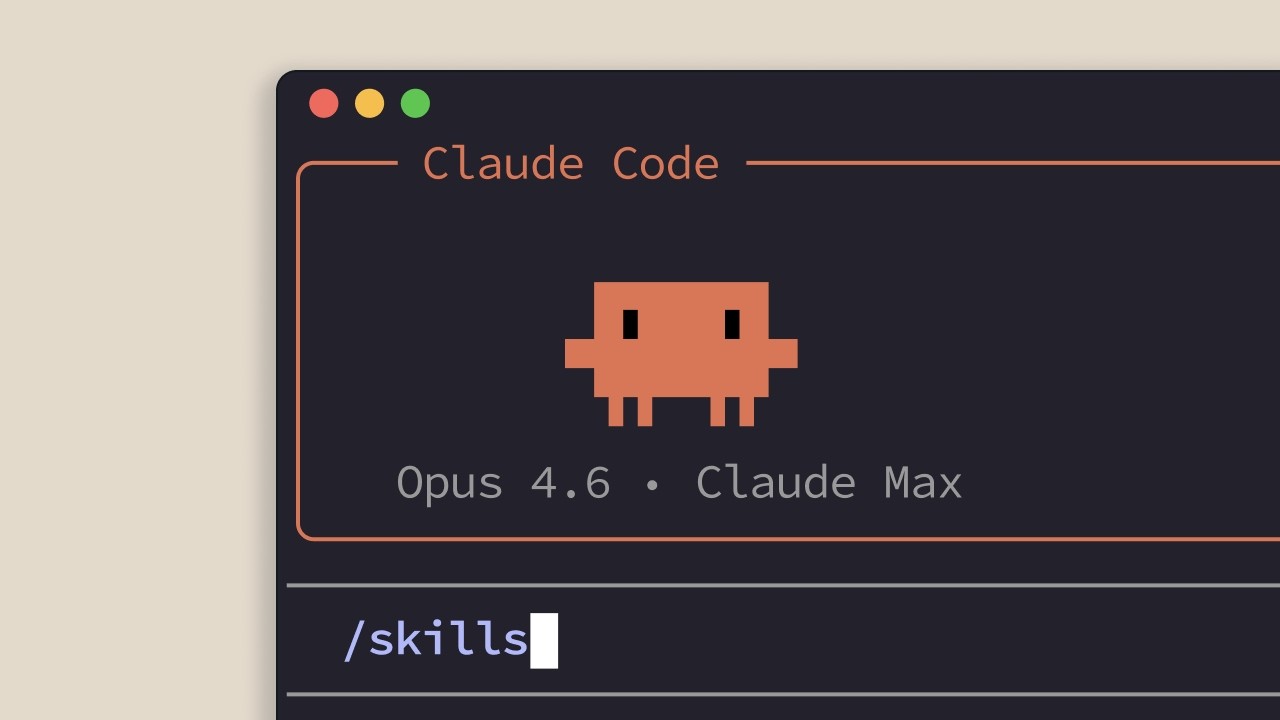
This video explains the concept of 'skills' within the context of AI assistants like Claude. Skills are essentially reusable instructions or knowledge bases that teach the AI how to perform specific tasks or adhere to certain standards. Instead of repeatedly explaining preferences or procedures, users can create a skill that the AI will automatically apply when relevant. The video differentiates between personal skills, which are user-specific, and project skills, which are shared within a team or project. It highlights how skills enable more efficient and accurate AI interactions by making specialized knowledge readily available and automatically applied.
How was this?
Save this permanently with flashcards, quizzes, and AI chat
Chapters
- Skills are markdown files that teach an AI, like Claude, how to perform a task or follow a standard.
- They allow users to define specific behaviors or knowledge once, which the AI then applies automatically.
- This eliminates the need for repetitive explanations in every interaction.
- Agent skills are collections of instructions, scripts, and resources that enhance an agent's capabilities.
Skills automate the transfer of knowledge to AI assistants, saving users time and ensuring consistency in AI responses and actions.
Instead of telling Claude how to structure feedback on every Pull Request (PR), you create a skill that defines the preferred feedback structure, and Claude applies it automatically during PR reviews.
- Claude uses the description within a skill file to determine when to apply it.
- When a user request is made, Claude matches it against available skill descriptions.
- Matching skills are activated automatically, without explicit commands.
- Skills load on demand, only activating when their description matches the current task, thus conserving context window space.
Understanding the activation mechanism helps users leverage skills effectively by ensuring their descriptions are clear and relevant to the tasks they are intended for.
When you ask Claude to review a PR, it compares your request to its skill descriptions and automatically activates the 'PR Review Checklist' skill because the description matches the task.
- Personal skills are stored in `.claude/skills` in the user's home directory and are accessible across all projects.
- These are for individual preferences like coding style or documentation format.
- Project skills are stored in `.claude/skills` within a project's root directory.
- Project skills are shared with anyone who clones the repository, useful for team standards like brand guidelines.
Knowing where to store skills allows for proper organization and sharing of AI-related knowledge, whether for personal use or team collaboration.
A team might store their company's preferred web design fonts and colors in a project skill so that Claude Code can automatically apply them when generating web design elements for that project.
- Skills are automatic and task-specific, unlike general configuration files like `Claude.md` which load into every conversation.
- Skills load only their name and description initially, activating fully on demand, which is more efficient than loading all instructions at once.
- Skills do not require explicit slash commands; they are triggered by recognizing the situation.
- Skills are ideal for specialized knowledge that applies to specific, recurring tasks.
Differentiating skills from other AI customization methods helps users choose the most appropriate tool for different types of AI behavior modification.
A PR review checklist is a perfect candidate for a skill because it's specialized knowledge that only needs to be active during PR reviews, not in every conversation, unlike a general instruction to always use TypeScript strict mode which might go in `Claude.md`.
Key takeaways
- AI skills are a mechanism to teach AI assistants specific behaviors or knowledge once, enabling automatic application.
- Skills reduce repetitive explanations by providing a persistent, context-aware knowledge base for the AI.
- Personal skills cater to individual user preferences, while project skills enforce team or organizational standards.
- Skills are activated based on the relevance of their descriptions to the current task, not through explicit commands.
- The on-demand loading of skills makes them efficient, preventing unnecessary context window usage.
- Skills are best suited for specialized, task-specific knowledge that is frequently needed.
- If you find yourself repeating instructions to an AI, it's a signal that a skill could be created.
Key terms
SkillsAI AssistantClaudeMarkdown FileSkill DescriptionAutomatic ApplicationPersonal SkillsProject SkillsAgent SkillsOn-demand Loading
Test your understanding
- What is the primary purpose of creating a 'skill' for an AI assistant like Claude?
- How does Claude determine which skills to use when processing a user's request?
- What is the difference between a personal skill and a project skill, and where would each be stored?
- Why are skills considered more efficient than general configuration files for certain types of AI customization?
- Describe a scenario where creating a skill would be more beneficial than simply typing instructions repeatedly into the AI.