AI-Generated Video Summary by NoteTube
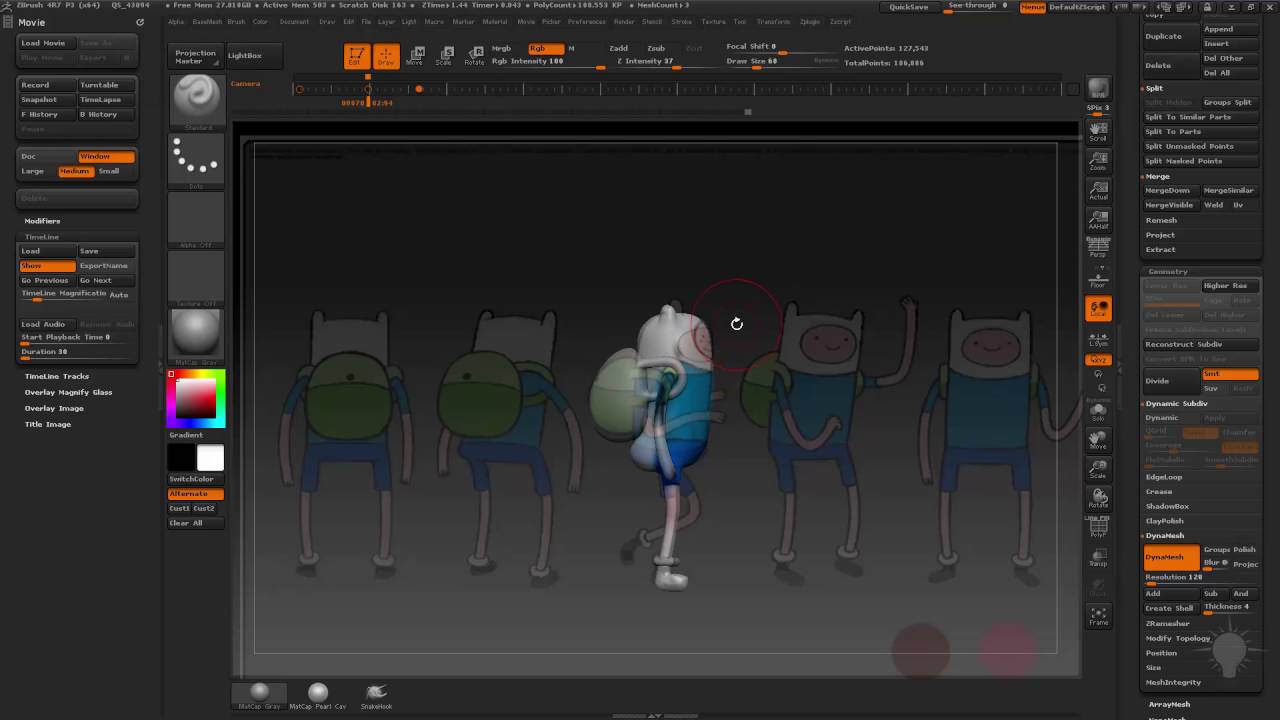
005 Determining Slices
Michael Pavlovich
Overview
This video demonstrates how to use ZBrush to sculpt a character, focusing on refining the form and preparing it for slicing into separate subtools. The process begins with basic sculpting techniques using the Clay brush and smoothing tools, emphasizing the creation of cartoony, smooth shapes. The presenter then adjusts the model's proportions and posture, ensuring a more natural stance. A key part of the tutorial involves using poly paint to establish visual guides for where the character will be sliced. This includes marking lines for the shirt, shorts, backpack, and hoodie, which helps in visualizing the final separation of parts. The video also touches upon adjusting dynamesh resolution and using tools like Inflate and Move to refine the sculpt based on reference images and desired aesthetics. Finally, the presenter prepares the model for slicing by clearly defining these visual boundaries with poly paint, making the subsequent sculpting and separation process more manageable.
This summary expires in 30 days. Save it permanently with flashcards, quizzes & AI chat.
Chapters
- •Utilize Clay brush and Shift+smooth for basic sculpting.
- •Insert primitives and smooth transitions for cartoony shapes.
- •Adjust Dynamesh resolution to 128 for finer detail.
- •Refine character's stance, proportions (legs, arms, head), and posture.
- •Use Shift+Z to toggle reference image visibility.
- •Poly paint front, back, and sides of the model to establish visual guides.
- •Adjust RGB intensity for visibility and control.
- •Use reference images to guide poly painting for accurate placement of features like the backpack and hoodie.
- •Use poly paint to mark distinct areas for slicing (shirt, shorts, backpack, hoodie).
- •Employ Lazy Mouse (L key) for smooth, controlled line creation.
- •Sample colors (C key) to maintain consistency in poly painting.
- •Adjust lines based on 3D form and reference, ensuring they follow contours.
- •Use Move brush and other sculpting tools to adjust shapes based on poly paint guides.
- •Hide parts of the model (e.g., arms) using Ctrl+Shift+Select Last Lasso for easier manipulation.
- •Ensure poly paint lines accurately represent the desired separation points.
- •Finalize poly painting on all relevant parts, including the backpack and feet.
Key Takeaways
- 1Sculpting can be done with basic tools like Clay brush and smoothing for a cartoony style.
- 2Dynamesh resolution is crucial for adding detail, and sometimes requires mesh reactivation.
- 3Poly painting is an effective method for creating visual guides before slicing a model.
- 4Lazy Mouse and color sampling are essential for creating clean, consistent poly paint lines.
- 5Adjusting proportions and posture is important for a believable character, even in a stylized form.
- 6Slicing a model into subtools simplifies later stages of detailing and animation.
- 7Reference images are vital for guiding sculpting and poly painting decisions.
- 8The process involves iterative refinement of both the sculpt and the visual guides.