AI-Generated Video Summary by NoteTube
YouTube Video RtC4vX4gusw
Overview
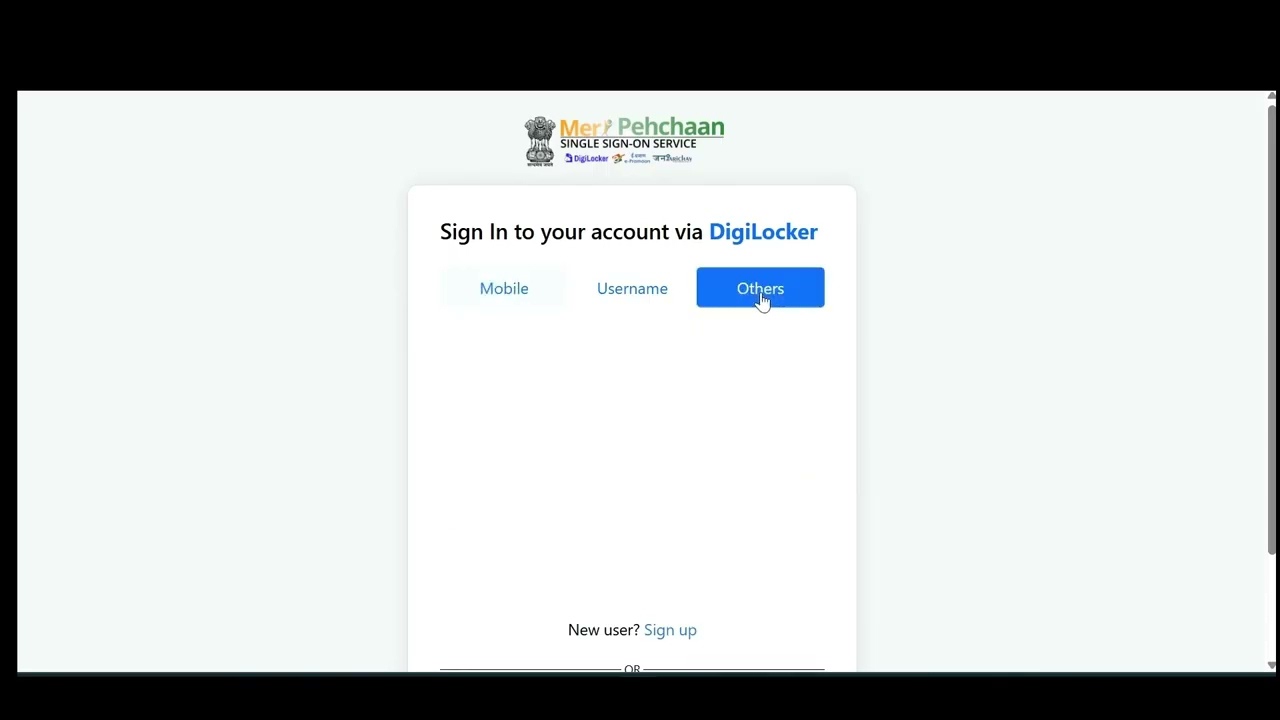
This tutorial guides first-time users through the Digilocker authentication process for the data lakeink 3.0 portal. It begins with accessing the portal via an invitation email and verifying a mobile number using an OTP. The process then involves authenticating through Digilocker by selecting a login method (mobile, username, Aadhaar, PAN, or driving license), entering credentials, and accepting terms and conditions. Depending on the chosen method, an OTP may be required. Users must then grant data lakeink 3.0 permission to access their Aadhaar or PAN details. Finally, email verification is completed with an OTP, and a facial recognition (selfie) verification is performed using the device's camera to finalize the registration and grant access to the data lakeink 3.0 homepage.
Want AI Chat, Flashcards & Quizzes from this video?
Sign Up FreeChapters
- •Open the invitation email for data lakeink 3.0.
- •Click the 'join' button to access the portal.
- •Verify your assigned mobile number by entering the received OTP.
- •Click 'authenticate via Diggilocker' on the registration page.
- •Choose a login method: mobile number, username, Aadhaar, PAN, or driving license.
- •Enter your credentials and PIN if applicable.
- •Accept the terms and conditions.
- •Complete login, potentially using an OTP for pinless login.
- •Allow data lakeink 3.0 to access your Aadhaar or PAN details.
- •Verify your email ID by entering the OTP received.
- •Accept the terms and conditions for final registration.
- •Complete registration.
- •Allow camera access for Aadhaar-based selfie verification.
- •Ensure your face is visible and blink naturally.
- •Successful authentication redirects to the data lake 3.0 homepage.
Key Takeaways
- 1Follow the invitation email link to begin the data lakeink 3.0 registration.
- 2Mobile number verification is the first step after accessing the portal.
- 3Digilocker offers multiple options for authentication, including Aadhaar, PAN, and driving license.
- 4Ensure you grant the necessary permissions for data lakeink 3.0 to access your Digilocker information.
- 5Both mobile and email OTPs are used during the verification process.
- 6A facial recognition (selfie) is required for final authentication.
- 7Successful completion of these steps grants access to the data lake 3.0 homepage.