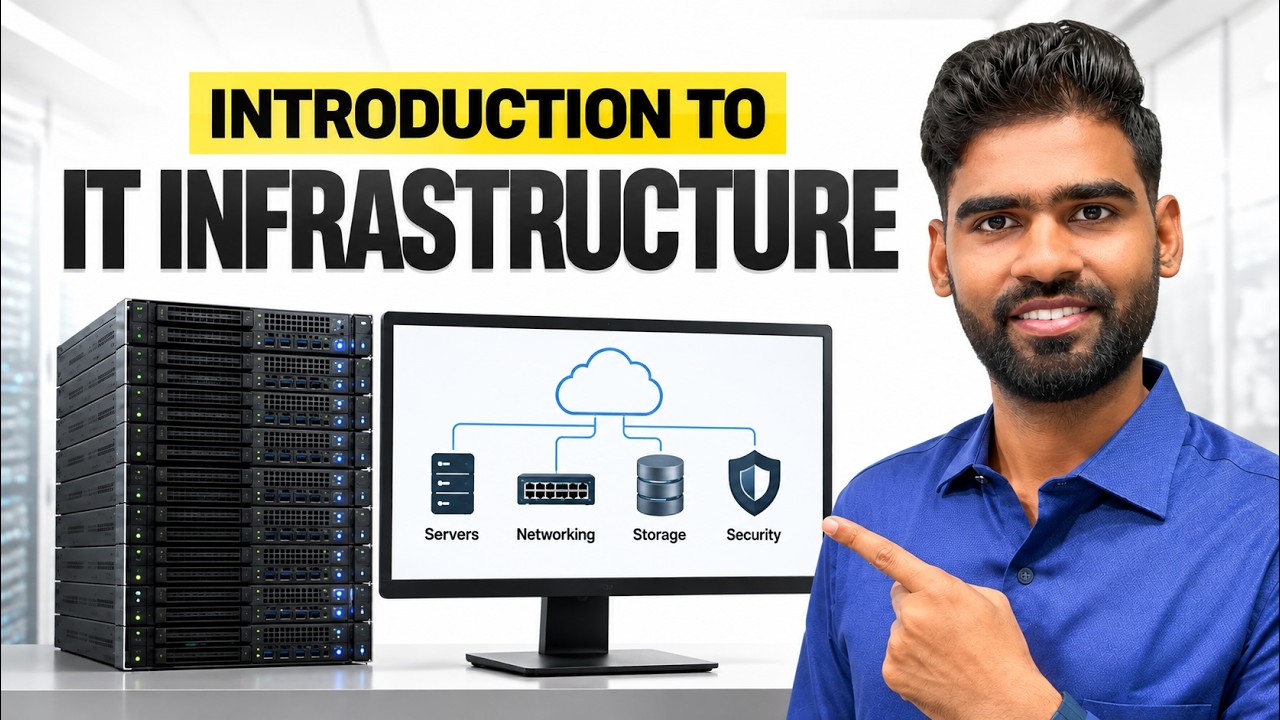
Intro to IT Infrastructure
Rajneesh Gupta
Overview
This video introduces the fundamental concepts of IT infrastructure, covering its core components, different deployment models (on-premises, cloud, hybrid), and essential IT operations. It explains the roles of hardware, software, and networks, and how they are managed by internal IT teams, application teams, and external providers. The video also details common IT components like endpoints and servers, discusses network devices such as switches and routers, and explores operating systems and applications. Finally, it delves into IT operations, including service desk support, network operations centers, system administration, security operations, and disaster recovery planning, emphasizing the importance of these elements for a functioning IT environment.
Save this permanently with flashcards, quizzes, and AI chat
Chapters
- IT infrastructure is the foundation of information technology, comprising hardware, software, and networks.
- Hardware includes physical devices like servers, laptops, and network equipment (routers, switches).
- Software encompasses operating systems (Windows, Linux) and applications (SaaS, custom-built).
- Networks enable communication between devices, secured by firewalls, with key vendors like Cisco and Palo Alto.
- Companies can manage their own data centers or outsource to providers like Equinix or Rackspace.
- Internal IT teams manage infrastructure and support employees, while application teams manage software.
- External providers handle services like internet connectivity, with Service Level Agreements (SLAs) defining support expectations.
- On-premises infrastructure involves company-owned hardware managed within the organization's own data center.
- Cloud infrastructure hosts services and data with providers like AWS, Azure, and Google Cloud, offering scalability and easier management.
- Hybrid infrastructure combines both on-premises and cloud resources, allowing for flexibility and strategic data placement.
- Endpoints are user devices like laptops, desktops, and mobile phones, managed by IT with necessary software and security measures.
- Servers are categorized logically into web, application, and database servers, often deployed in a three-tier architecture.
- Servers are physically housed in racks within data centers, with virtualization (using hypervisors like VMware ESXi) optimizing resource utilization.
- Network devices include switches (for LAN communication), routers (for connecting networks), firewalls (for security), and wireless access points.
- Operating systems like Windows and Linux are essential for running hardware and software, with distributions tailored for different uses (e.g., Kali for security tools).
- Applications range from email platforms (Microsoft 365, Google Workspace) to CRM (Salesforce) and ERP systems (SAP, Oracle).
- Software as a Service (SaaS) models, like Microsoft 365, mean users pay a subscription and the provider manages the infrastructure.
- Databases store structured data and are queried by applications, with examples including SQL, MySQL, and PostgreSQL.
- Storage systems manage unstructured data like large files, images, and backups, often using technologies like NAS and SSDs.
- The distinction between databases (structured data) and storage systems (large files, backups) is important for data organization and retrieval.
- The service desk handles user requests, incidents, and service requests using IT Service Management (ITSM) tools like ServiceNow.
- Network Operations Centers (NOCs) monitor network health, performance, and connectivity, often using tools like SolarWinds.
- System administrators manage servers (Linux, Windows) and cloud resources, focusing on performance, updates, and patching.
- Application operations teams ensure business-critical applications run smoothly, monitoring logic, performance, and databases.
- Security Operations Centers (SOCs) monitor for threats 24/7, using tools like SIEM and EDR for detection and response.
- Infrastructure and cloud operations involve managing servers, virtual machines, and cloud services, focusing on resource utilization and automation.
- Application deployment and release management use CI/CD pipelines (e.g., Jenkins, Azure DevOps) for automated builds, testing, and deployments.
- Incident response and investigation involve detailed analysis of security alerts and system issues, often using EDR tools.
- Vulnerability management continuously scans systems for weaknesses and prioritizes fixes.
- Disaster recovery planning ensures business continuity by maintaining backups, failover infrastructure, and defining Recovery Time Objectives (RTO) and Recovery Point Objectives (RPO).
Key takeaways
- IT infrastructure is a layered system of hardware, software, and networks that underpins all modern technology.
- Organizations can choose between on-premises, cloud, or hybrid models for their IT infrastructure, each with distinct management and cost implications.
- Virtualization is a key technology that optimizes hardware resource usage by allowing multiple operating systems to run on a single physical server.
- Network devices like switches, routers, and firewalls are essential for enabling secure and efficient communication within and between networks.
- Operating systems and applications are the software layers that users interact with, ranging from everyday productivity tools to complex enterprise systems.
- IT operations encompass a wide range of activities, from user support and network monitoring to security and disaster recovery, all crucial for maintaining a stable IT environment.
- Service Level Agreements (SLAs) are vital for defining expectations and responsibilities between service providers and customers, whether internal or external.
Key terms
Test your understanding
- What are the three primary components of IT infrastructure, and how do they interact?
- How does cloud infrastructure differ from on-premises infrastructure, and what are the benefits of a hybrid approach?
- Explain the role of virtualization in modern server management and its advantages.
- What is the purpose of key network devices like routers and firewalls in an IT environment?
- How do IT operations teams, such as the service desk and SOC, contribute to the overall stability and security of an organization's IT systems?