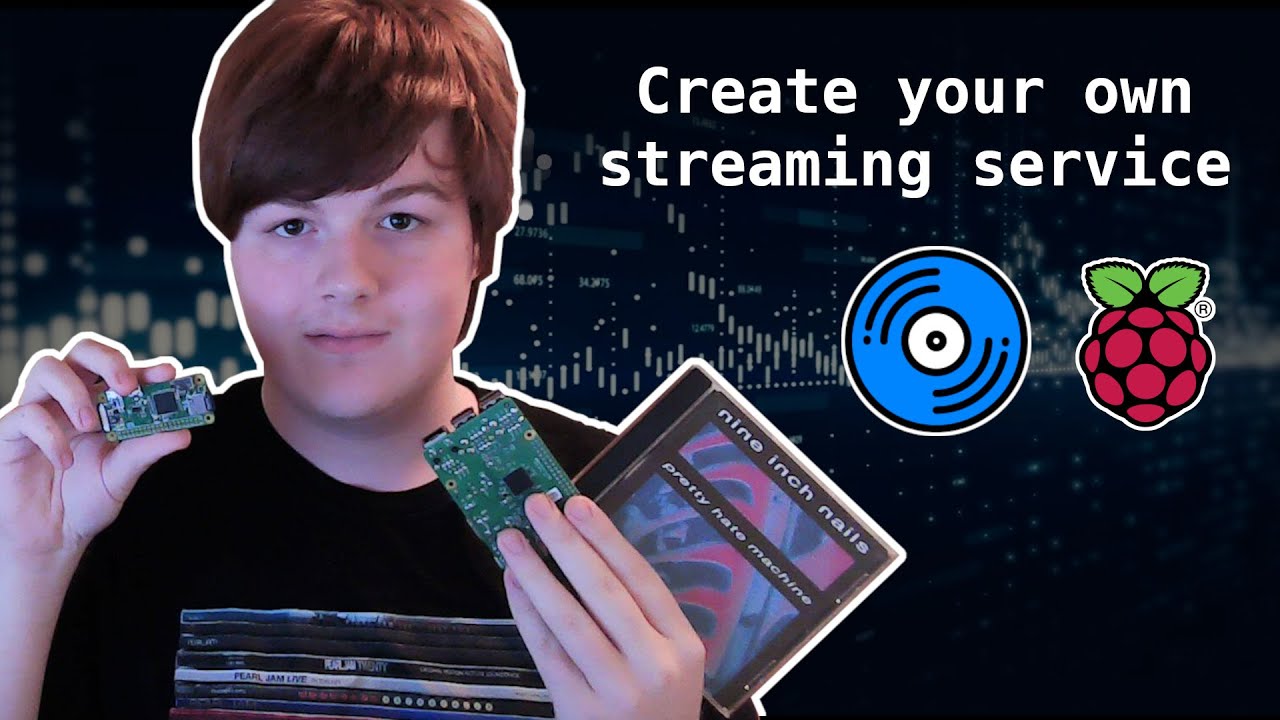
Create your own streaming service with Navidrome and a Raspberry Pi
Cameron Knauff
Overview
This video demonstrates how to set up a personal music streaming service using Navidrome on a Raspberry Pi. It covers the benefits of owning your music library, such as control and avoiding platform removals, and provides a step-by-step guide for installation. The process includes preparing a Raspberry Pi OS on an SD card, transferring music files, installing Navidrome, configuring it to recognize the music library, and setting it up as a systemd service for automatic startup. The tutorial also touches on accessing the service locally via IP address and briefly mentions the possibility of remote access through port forwarding, while emphasizing the importance of using legally obtained music.
Save this permanently with flashcards, quizzes, and AI chat
Chapters
- Navidrome is an open-source application that allows users to create their own music streaming service.
- Benefits include owning your music library, avoiding platform censorship, and potentially lower costs.
- The service offers a Spotify-like graphical user interface (GUI) for browsing and playing music.
- Using legally sourced music (CDs, purchased MP3s) is crucial.
- A Raspberry Pi Zero is recommended for its low cost and power efficiency, but any Debian-compatible single-board computer or even an old PC can be used.
- Cloud VPS options like Lenode or DigitalOcean are alternatives for hosting.
- Music can be legally acquired by ripping CDs or purchasing MP3s from platforms like Amazon and Bandcamp.
- Ripping CDs from a library and returning them is also a legal method.
- Use Raspberry Pi Imager to flash Raspberry Pi OS Lite onto a micro SD card, saving space for music.
- Expand the SD card partition to utilize its full capacity using a partitioning tool like GParted.
- On Linux, create a 'music' folder in '/home/pi' on the Raspberry Pi's root filesystem (ext4).
- Transfer desired music albums to this 'music' folder on the SD card.
- Connect keyboard and monitor to the Raspberry Pi for initial setup, then change the default password.
- Configure Wi-Fi and update the system using `sudo apt update` and `sudo apt upgrade`.
- Install necessary packages like `nano` and `ffmpeg`.
- Download the latest Navidrome release tarball for the Raspberry Pi's architecture (e.g., armv6 for Pi Zero).
- Extract the downloaded tarball to '/opt/navidrome' and set correct ownership (`pi:users`).
- Create a Navidrome configuration file (e.g., `/var/lib/navidrome/navidrome.toml`) to specify the music library path.
- Create a systemd service file (`/etc/systemd/system/navidrome.service`) to manage Navidrome as a background process.
- Configure the service file to run Navidrome as the correct user and group (e.g., 'pi' and 'users').
- Reload the systemd daemon, start the service, and enable it to run on boot using `systemctl` commands.
- Find the Raspberry Pi's IP address using `ifconfig` to access the Navidrome web UI.
- Access Navidrome by navigating to `http://<RaspberryPi_IP_Address>:4533` in a web browser.
- Create an administrator username and password for your Navidrome instance.
- Navidrome will automatically scan and display your music library, including album artwork.
- The service is compatible with Subsonic clients, allowing use of various third-party music player applications.
- Remote access is possible via port forwarding, but carries security risks and bandwidth considerations.
Key takeaways
- You can build a personalized music streaming service for minimal cost using a Raspberry Pi and open-source software like Navidrome.
- Owning your music library provides greater control and prevents loss due to platform changes.
- Raspberry Pi OS Lite is sufficient for running Navidrome, conserving resources for music storage.
- Properly configuring systemd services ensures your streaming server starts automatically after reboots.
- Navidrome's compatibility with Subsonic clients offers flexibility in how you access your music.
- Always ensure you are using legally obtained music to avoid copyright infringement.
- While remote access is possible, consider the security implications and bandwidth usage.
Key terms
Test your understanding
- What are the primary advantages of using Navidrome over commercial streaming services?
- How does one prepare a Raspberry Pi's SD card for installing Raspberry Pi OS Lite and storing music?
- What steps are involved in installing and configuring Navidrome as a service on a Raspberry Pi?
- Why is it important to configure Navidrome as a systemd service?
- What are the potential risks and considerations when setting up remote access to your Navidrome server?