AI-Generated Video Summary by NoteTube
007 Sculpting The Shapes
Michael Pavlovich
Overview
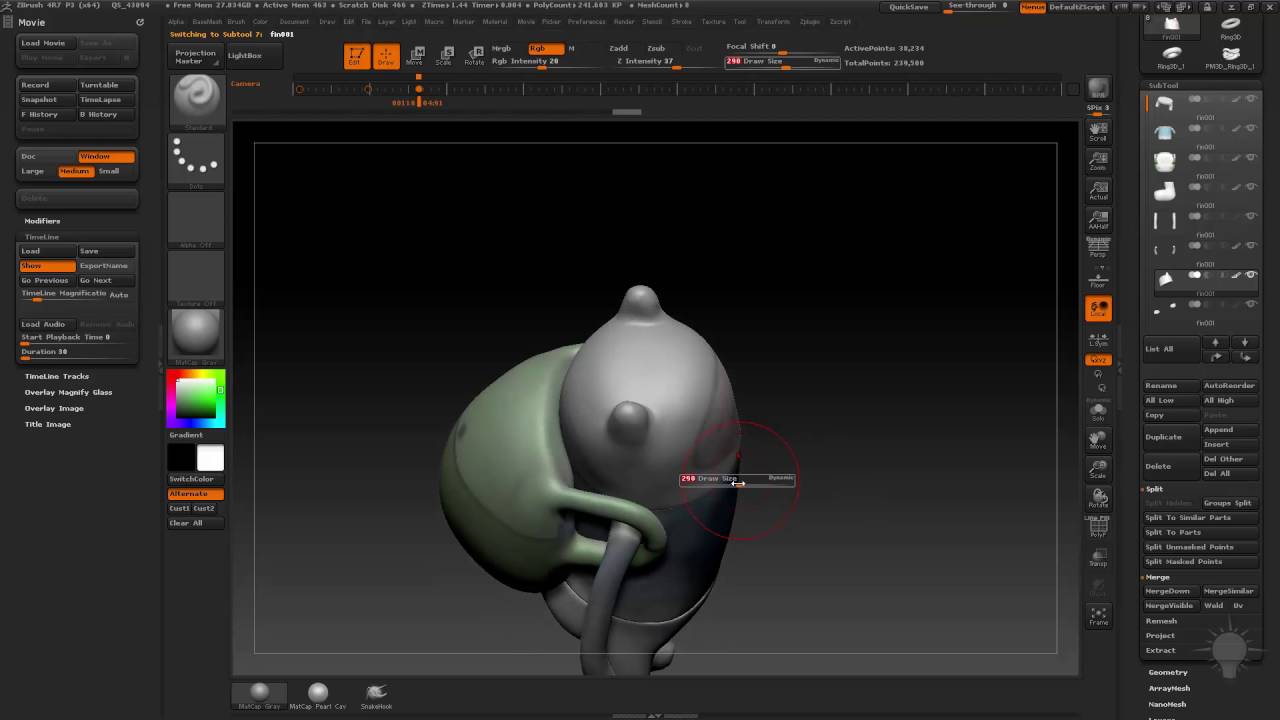
This video demonstrates sculpting techniques in ZBrush, focusing on separating and refining clothing items and facial features for a character. The process begins with splitting the body into distinct parts like pants, shirt, and arms, using tools like Split Hidden and Dynamesh for clean separation. The presenter emphasizes the importance of managing polygroups and turning off specific settings like 'Groups' during Dynameshing to avoid mesh issues. Techniques for creating clean edges and transitions between clothing pieces, such as using Clip Curve and smoothing, are shown. The video also covers sculpting facial features, including eyes and mouth, by duplicating and inflating/deflating subtools to create depth and definition. Finally, the presenter refines the overall shape and transitions, preparing the model for further detailing or retopology.
This summary expires in 30 days. Save it permanently with flashcards, quizzes & AI chat.
Chapters
- •Use Split Hidden and Dynamesh to separate body parts like pants and legs.
- •Employ H Polish brush to clean up edges and smooth surfaces.
- •Be mindful of 'Groups' setting in Dynamesh to prevent mesh distortion.
- •Use Move brush and Clip Curve for refining shapes and creating clean lines.
- •Isolate subtools (shirt, pants) for easier manipulation.
- •Use Clip Curve to create sharp edges where clothing pieces meet.
- •Adjust the position of pants and shirt to create a natural overlap or separation.
- •Smooth transitions between clothing items to simulate clay-like pieces.
- •Shape legs to resemble a gradual bend rather than a sharp knee.
- •Inflate or adjust leg shapes as needed.
- •Consider ZRemesher for simplifying mesh topology if necessary.
- •Use transpose tools to adjust the width of clothing items like pants.
- •Duplicate the head subtool to create variations for sculpting.
- •Use inflate/deflate on one duplicate to create depth for features.
- •Sculpt details like eyes and mouth using Standard brush with ZAdd/ZSubtract.
- •Ensure poly paint is on when Dynameshing to preserve color information.
- •Adjust sock shapes using the Move brush.
- •Smooth transitions between different sculpted elements.
- •Use H Polish with Alt to refine edges on clothing items like the shirt.
- •Prepare the model for further detailing or retopology.
Key Takeaways
- 1Effective use of ZBrush's split and Dynamesh tools is crucial for separating model components.
- 2Managing polygroups and understanding Dynamesh settings prevents common sculpting errors.
- 3Clip Curve and H Polish are powerful tools for creating clean, defined edges and surfaces.
- 4Duplicating subtools and using inflate/deflate offers a non-destructive way to sculpt depth and features.
- 5Maintaining poly paint during mesh operations like Dynamesh is essential for preserving color.
- 6Smoothing and refining transitions between different sculpted parts creates a more cohesive final model.
- 7The choice of sculpting approach (e.g., clay-like vs. sharp paneling) depends on the desired final aesthetic.
- 8Regularly checking the model from all angles ensures consistent sculpting and form.