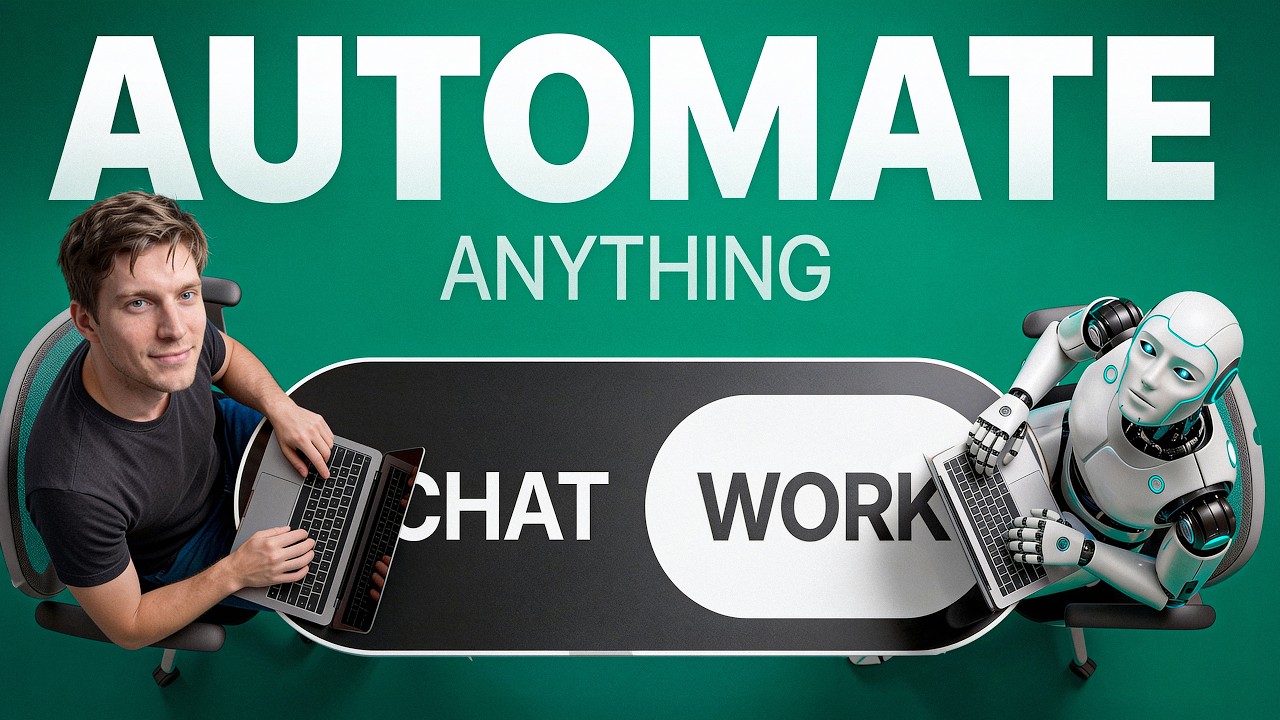
ChatGPT Work Is A Game Changer! (Full Walkthrough)
Kevin Automates
Overview
This video introduces ChatGPT Work, a significant update enabling ChatGPT to act as an autonomous agent with enhanced capabilities. Unlike previous versions where users performed the actual work, ChatGPT Work can now create documents, spreadsheets, websites, and connect with applications. The video details how this new feature functions, demonstrates its use cases with a budget spreadsheet and a business brochure, and explains advanced functionalities like Projects, Models (Saul, Terra, Luna), Plugins, Skills, and the Scheduled feature, highlighting how these tools allow ChatGPT to perform tasks independently. It emphasizes the shift from a reactive tool to a proactive assistant capable of complex, automated workflows.
Save this permanently with flashcards, quizzes, and AI chat
Chapters
- ChatGPT Work introduces 'agentic powers,' allowing ChatGPT to perform tasks autonomously.
- Previous versions required users to do the actual work after receiving an answer.
- This update enables ChatGPT to create spreadsheets, documents, websites, and connect with applications.
- The feature is rolling out gradually, so interfaces may differ initially.
- ChatGPT Work can build complex spreadsheets, like a monthly budget, with pre-set formulas and multiple tabs (e.g., budget, savings, summary).
- It shows the creation process in real-time, including editing files and verifying work.
- Users can interact with the generated spreadsheet by filling in actual spending data in designated editable cells (yellow).
- The spreadsheet dynamically updates calculations and highlights variances between planned and actual spending.
- Projects allow ChatGPT to manage tasks within a defined scope, creating local folders (desktop) or cloud storage (web).
- Providing 'sources' (like business profiles) gives ChatGPT essential context about a project or business.
- The Bases Framework (Business Basics, Audience, Sales, Expression, Goals) is a method for creating a comprehensive business profile.
- With sources, ChatGPT can generate relevant content, such as marketing materials, tailored to the specific business.
- ChatGPT Work offers different models: Saul (complex tasks, highest quality), Terra (medium-level daily work), and Luna (fast, regular tasks).
- Saul performs more in-depth analysis, adds value beyond the prompt, and identifies gaps, resulting in more polished output.
- Luna is faster but may produce less detailed or less proactive results.
- The choice of model impacts the time taken and the quality/completeness of the output.
- Plugins connect ChatGPT to external applications and real-time data, functioning differently on desktop (templates) versus web (live connectors).
- On the web, plugins can be installed and granted permissions to access services like Google Drive and Gmail.
- Users can prompt ChatGPT to interact with these connected services, such as finding unpaid invoices and drafting reminder emails.
- Plugins automate tasks involving data retrieval and communication across different applications.
- Skills allow users to create custom, reusable instructions for ChatGPT to perform specific tasks repeatedly.
- This eliminates the need to re-explain complex processes each time.
- The Scheduled feature enables tasks to be automated to run at specific times (daily, weekly, etc.) without user intervention.
- Combining Skills and Scheduling allows ChatGPT to act as a fully autonomous agent, performing tasks in the background.
- This is the ultimate 'game changer' feature where the AI operates entirely on its own.
Key takeaways
- ChatGPT Work enables AI to act as an autonomous agent, performing tasks and creating content without constant user guidance.
- The choice between models like Saul, Terra, and Luna affects the trade-off between output quality, detail, and processing speed.
- Providing context through 'sources' is crucial for ChatGPT to perform complex tasks accurately, especially for business-related projects.
- Plugins bridge the gap between ChatGPT and external applications, allowing for real-time data access and actions across different services.
- Custom Skills allow users to teach ChatGPT specific, repeatable tasks, saving time and ensuring consistency.
- The Scheduled feature, when combined with Skills, enables fully autonomous AI operation, with tasks running automatically in the background.
- This update represents a significant leap towards AI assistants that can proactively manage workflows and deliver finished products.
Key terms
Test your understanding
- How does ChatGPT Work's 'agentic power' differ from previous versions of ChatGPT?
- What is the purpose of providing 'sources' to a ChatGPT Work project, and how does the Bases Framework help?
- Explain the key differences in output and performance between the Saul and Luna models.
- How do plugins enable ChatGPT to interact with external applications, and what is the distinction between their use on the desktop app versus the web version?
- What is the role of 'Skills' and the 'Scheduled' feature in making ChatGPT Work an autonomous agent?