2:31
Flowcharts | 1.2 | OCR GCSE Computer Science | J277
CSNewbs
Overview
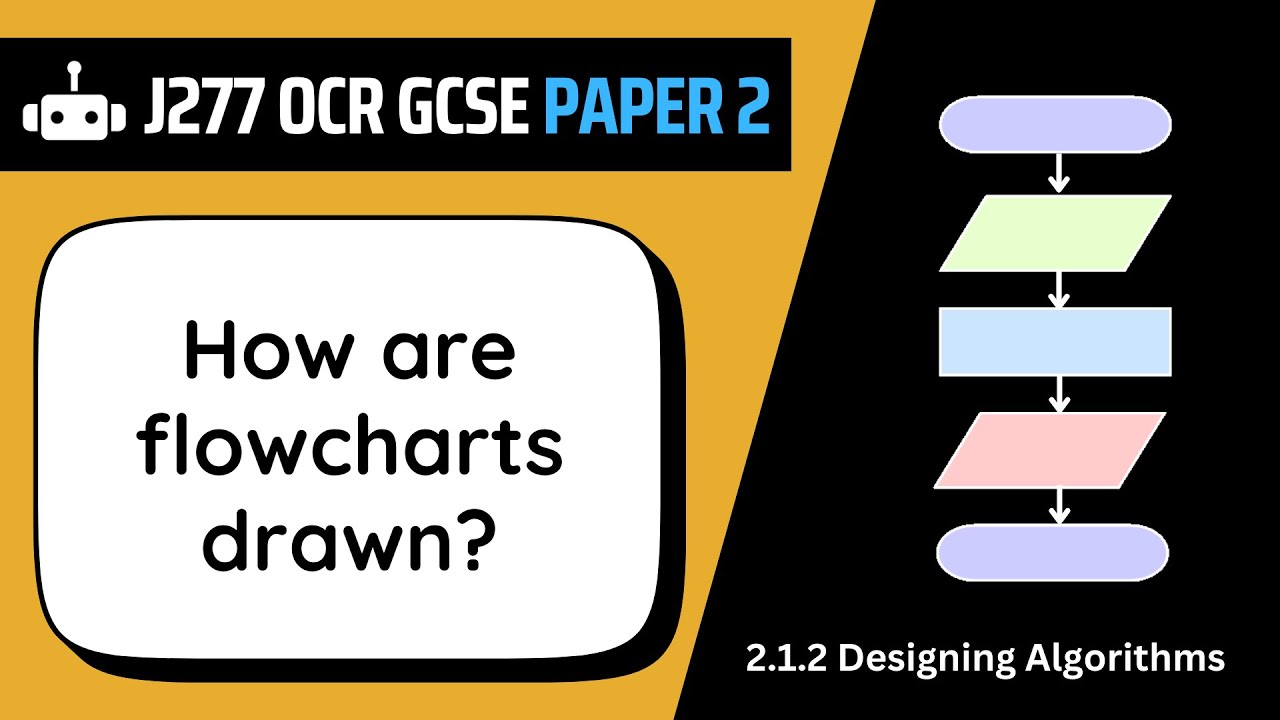
This video explains the fundamentals of flowcharts as a visual tool for representing algorithms in computer science. It details the purpose of flowcharts in planning program logic and communication. The video introduces five essential flowchart shapes: terminal (start/end), parallelogram (input/output), rectangle (process), diamond (decision), and a rectangle with vertical lines (subprogram). It also briefly touches on how loops (for and while) can be represented using these shapes and the importance of flow lines (arrows) connecting them. The content is geared towards OCR GCSE Computer Science students.
How was this?
Save this permanently with flashcards, quizzes, and AI chat
Chapters
- Flowcharts visually represent the steps of an algorithm using standardized shapes.
- They help programmers plan program logic and communicate how a program will function.
- Understanding flowcharts is crucial for tasks like interpreting existing code, completing incomplete diagrams, or creating new ones from scratch.
Flowcharts provide a clear, standardized way to map out the logic of a program before writing code, which can prevent errors and improve understanding.
A flowchart helps visualize the sequence of operations in a program, making complex logic easier to follow.
- Terminal (or Terminator): Used to mark the start and end points of a flowchart.
- Parallelogram: Represents input (getting data) and output (displaying data).
- Rectangle: Denotes a process, such as assigning a value, performing a calculation, or randomizing a number.
- Diamond: Indicates a decision point, typically used with 'if' statements, with 'true' and 'false' paths.
- Rectangle with two vertical lines: Represents a subprogram (procedure or function) which is a self-contained block of code.
Knowing these specific shapes is essential for correctly constructing and interpreting flowcharts, especially in exam scenarios where precise notation is required.
A parallelogram is used when the program needs to ask the user for their name (input) or display a result (output).
- Subprograms are reusable blocks of code that perform specific tasks.
- Procedures (a type of subprogram) do not return a value and use a standard end terminal.
- Functions (another type of subprogram) return a value, which can then be used elsewhere in the program; their end terminal indicates the returned value.
- When a subprogram is called, its own flowchart is executed, starting with its name and parameters instead of a general 'start' terminal.
Understanding subprograms helps in designing modular and efficient programs by breaking down complex tasks into smaller, manageable, and reusable components.
A function named 'calculate_average' might take a list of numbers as input and return the calculated average value.
- Flow lines (arrows) connect shapes, indicating the direction of the program's flow.
- Most shapes have one outgoing flow line, except for decision shapes (two) and the end terminal (zero).
- For loops can be represented using a counter variable and a decision shape to control the number of repetitions.
- While loops are depicted using a decision shape that loops back to a previous point as long as a condition remains true.
Flow lines and the representation of loops are critical for understanding how programs repeat actions or make choices, forming the core of algorithmic execution.
A 'while' loop flowchart might repeatedly ask for a password until the correct one is entered, looping back to the input prompt if the password is wrong.
Key takeaways
- Flowcharts are a universal language for visualizing algorithms, essential for both planning and communication in programming.
- Each standard flowchart shape has a specific meaning that must be adhered to for clarity and correctness.
- Decisions in flowcharts are represented by diamonds, directing the program flow based on true/false conditions.
- Subprograms (procedures and functions) allow for code modularity and reusability, with functions specifically designed to return values.
- Flow lines are crucial for understanding the sequence and control flow within a flowchart.
- Loops, whether 'for' or 'while', are visually represented using decision shapes to manage repetitive tasks.
- Mastering flowchart symbols and structures is a fundamental skill for computer science students, particularly for exams.
Key terms
FlowchartAlgorithmTerminal/TerminatorParallelogramRectangleDiamondSubprogramProcedureFunctionFlow lineFor loopWhile loop
Test your understanding
- What is the primary purpose of using a flowchart in programming?
- How does a parallelogram shape differ in function from a rectangle shape in a flowchart?
- What is the key distinction between a procedure and a function as represented in a flowchart?
- How would you represent a condition that needs to be checked to determine if a loop should continue?
- Why is it important to use specific, standardized shapes when drawing flowcharts?