6:22
Using 1 to 2 mS ESC's with a Spektrum Transmitter
txkflier
Overview
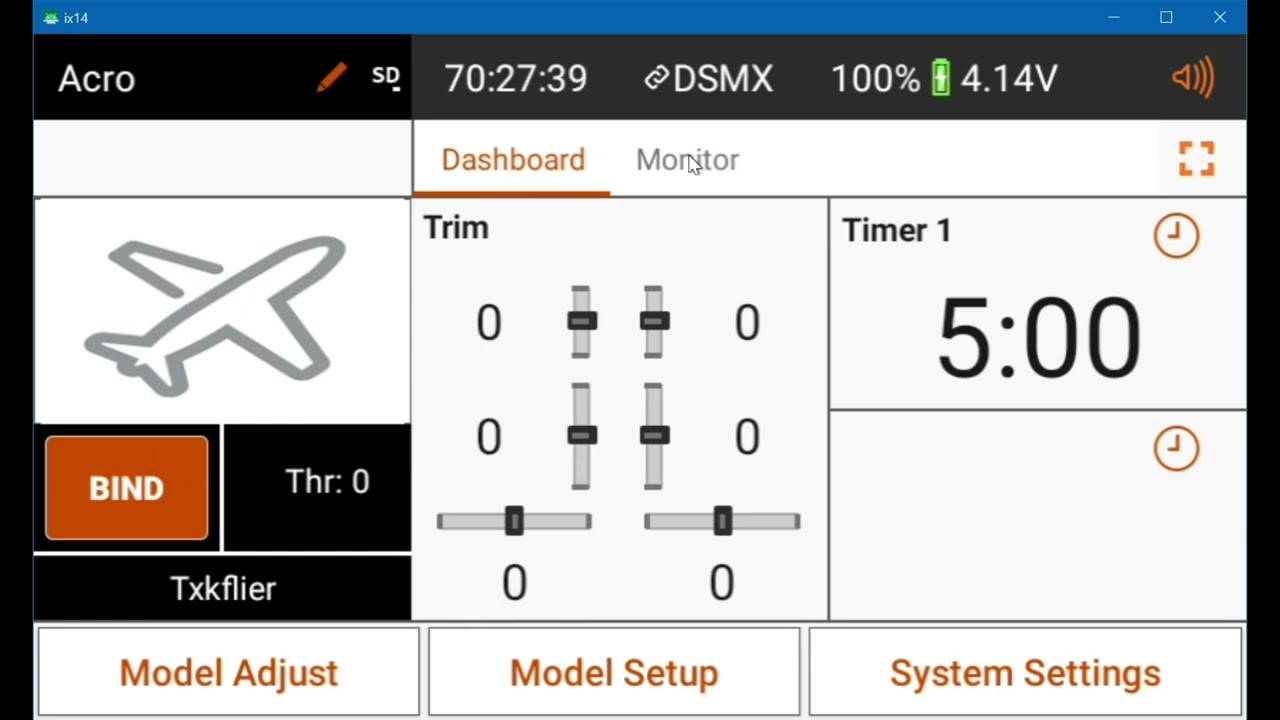
This video explains how to properly configure a Spektrum transmitter to work with Electronic Speed Controllers (ESCs) that require a 1 to 2 millisecond (1000-2000 microsecond) signal range. The common problem of needing to lower the idle trim significantly for the ESC to arm is addressed. The video demonstrates a method using servo travel adjustments to achieve the correct signal range without altering the default trim and throttle cut settings, ensuring reliable ESC arming and full throttle control.
How was this?
Save this permanently with flashcards, quizzes, and AI chat
Chapters
- Many ESCs require a specific signal range, typically 1000 microseconds (µs) at idle and 2000 µs at full throttle.
- When an ESC doesn't arm, it often means the transmitter isn't sending the correct signal range.
- A common workaround is to lower the transmitter's idle trim to its lowest setting (-100), which forces the ESC to arm but is not ideal.
- This workaround also requires adjusting the throttle cut setting to a non-standard value (e.g., -130) to function correctly, leading to multiple non-default settings.
Understanding why your ESC isn't arming is crucial for safe and reliable operation of your model. Incorrect signal ranges can lead to unexpected behavior or failure to power up.
The speaker shows the monitor screen where the idle trim is set to -100, and even with the throttle cut enabled, the motor arming signal is not optimal, requiring further adjustments to throttle cut.
- Transmitter trim and throttle cut settings affect the signal sent to the ESC, measured in microseconds (µs).
- The center stick position (neutral) typically corresponds to 1500 µs.
- A setting of -100 on the transmitter usually means 100% of the endpoint adjustment, which translates to a deviation from the center (e.g., 400 µs less than 1500 µs, resulting in 1100 µs at minimum).
- The default -100 throttle cut setting means the transmitter will output 100% of the set endpoint value.
Knowing how your transmitter translates settings like trim and throttle cut into actual signal values helps you diagnose and fix configuration issues with connected devices like ESCs.
The speaker explains that -100 trim results in 1100 µs (1500 µs - 400 µs) and +100 trim results in 1900 µs (1500 µs + 400 µs), with 125% travel adjustment affecting this range.
- The recommended method is to leave the transmitter trim at its center (0) position.
- Navigate to the Servo Setup menu and adjust the Travel (or End Point) settings for the throttle channel.
- Set both the low and high travel endpoints to 125%. This expands the transmitter's output range.
- With these adjustments, the transmitter will send approximately 1000 µs at idle and 2000 µs at full throttle, matching the ESC's requirements.
- The throttle cut can remain at its default setting of -100.
This method provides a clean, reliable way to meet the ESC's signal requirements by adjusting the transmitter's output range, rather than relying on non-standard trim or throttle cut values.
The speaker demonstrates setting both low and high throttle travel to 125% in the servo setup menu, then shows on the monitor screen that with the stick at idle and throttle cut on, the value is -125 (equivalent to 1000 µs), and at full throttle, it reaches 123-124 (equivalent to 2000 µs).
Key takeaways
- ESCs often require a precise 1000-2000 microsecond signal range for proper arming and operation.
- A common transmitter configuration issue arises when the default signal range doesn't match the ESC's needs.
- Adjusting idle trim to minimum is a workaround that can cause other settings, like throttle cut, to malfunction.
- The most effective solution is to adjust the transmitter's servo travel endpoints to 125% for both low and high throttle.
- This adjustment ensures the correct signal range is sent to the ESC without altering default trim or throttle cut settings.
- Proper configuration allows the ESC to arm reliably and respond accurately to throttle inputs.
- Always verify your transmitter's signal output on the monitor screen after making adjustments.
Key terms
ESC (Electronic Speed Controller)Spektrum TransmitterMicroseconds (µs)Milliseconds (mS)Idle TrimThrottle CutArming SignalServo SetupTravel / End Point Adjustment
Test your understanding
- What is the typical signal range (in microseconds) that many ESCs require for proper operation?
- Why is lowering the idle trim to its minimum setting not the ideal solution for ESC arming problems?
- How does adjusting the servo travel endpoints to 125% resolve the ESC arming issue?
- What are the recommended default settings for trim and throttle cut after adjusting the servo travel?
- How can you verify that your transmitter is sending the correct signal range to the ESC?