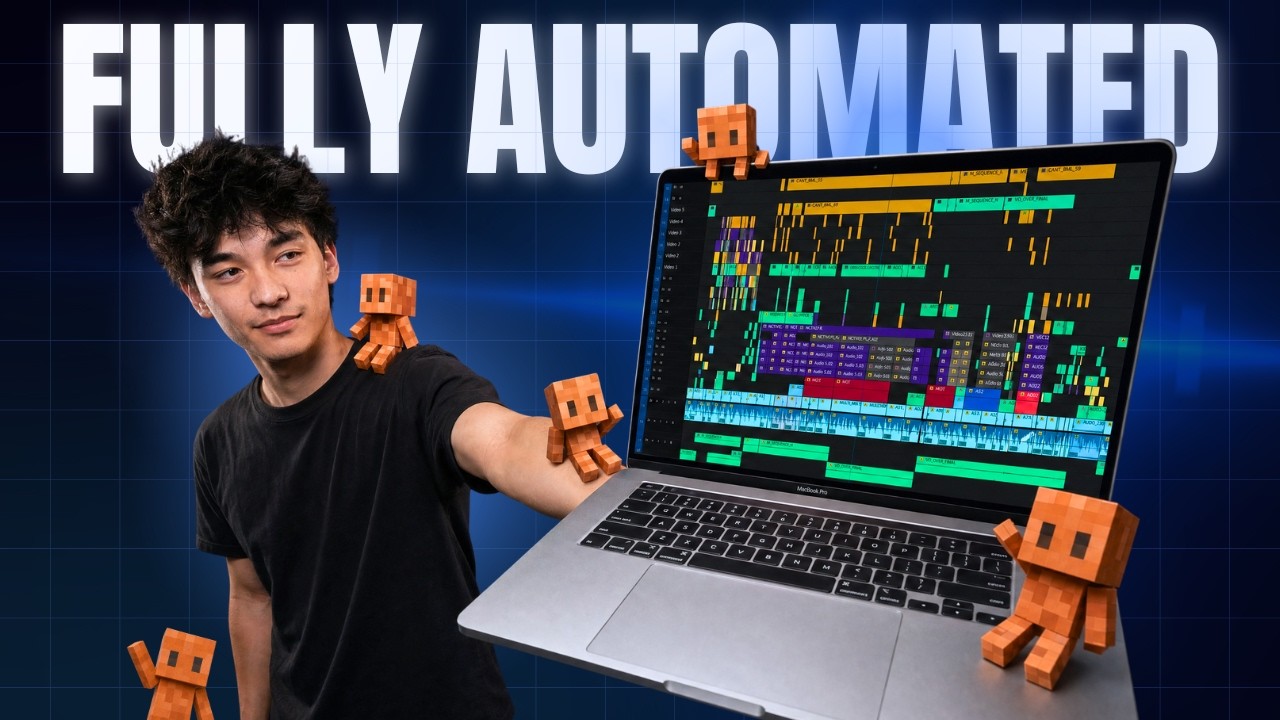
I Finally Solved AI Video Editing (Full Guide + FREE Setup)
Jason Cooperson
Overview
This video provides a comprehensive guide to automating video editing using AI, specifically with Claude. The presenter demonstrates a system that allows users to send raw footage and a prompt, with the AI handling the entire editing process, including cuts, graphics, color grading, and sound effects. The guide covers setting up the project folder, utilizing AI coding agents, integrating with various video editing software (Premiere, Da Vinci Resolve, Cap Cut, Final Cut Pro), and the crucial role of custom presets for achieving professional-looking results. It emphasizes the significant time and cost savings compared to traditional editing methods, offering both a free setup guide and a paid package with pre-built files.
Save this permanently with flashcards, quizzes, and AI chat
Chapters
- The presenter has fully automated their video editing process using an AI agent named Claude.
- The system requires only a prompt and raw footage, with the AI completing the edit autonomously.
- This automation frees up significant time for other activities.
- The video promises a complete guide to this AI video editing system, applicable to various AI agents and editing software.
- The system is built using files on your computer that the AI coding agent utilizes.
- To start, create a dedicated project folder and initiate your AI coding session within that folder.
- A public artifact (a free prompt) is available to guide the AI in building the basic functionality of the editing system.
- Alternatively, pre-built files from the presenter's community can be downloaded for a plug-and-play experience.
- The system is compatible with major video editing applications: Premiere, Da Vinci Resolve, Cap Cut, and Final Cut Pro.
- Da Vinci Resolve, Premiere, and Final Cut Pro offer better background editing capabilities compared to Cap Cut.
- Cap Cut requires the user to be present at the computer as the AI controls it via UI interactions, preventing multitasking.
- Editing directly within Claude's code chat is an option, but using dedicated editing software provides a better visual timeline and easier manual adjustments.
- A 'presets' folder is essential for generating custom and high-quality video edits, avoiding generic AI output.
- Presets contain specific editing styles, animations, and graphics that the AI can follow, compensating for its lack of inherent creativity and human insight.
- Users can create presets for various content styles (vlogs, short-form, long-form) by refining them over multiple editing sessions.
- The goal is to bake editing knowledge into presets so the AI can execute edits with minimal prompting and revisions over time.
- The process involves providing raw footage and specific instructions or vision for the video.
- Users can specify desired presets or let the AI use default ones.
- The AI handles tasks like transcription, cutting, graphics, color grading, and sound effects.
- Users can collaborate with the AI by making manual edits and then prompting it to adjust captions and timing, or by asking it to fetch specific assets like logos or images from online.
- Full video edits can be achieved on the $20/month Claude plan, costing approximately $5 per edit.
- This cost is significantly lower than hiring a human editor and is often covered by existing AI subscriptions.
- The system drastically reduces editing time, potentially from 16 hours to 2-3 hours, with the AI working autonomously.
- Users can choose different AI model settings (e.g., Opus 5.5, Sonnet 5) to balance quality and token usage.
Key takeaways
- AI can fully automate video editing, requiring only a prompt and raw footage.
- Proper project setup and AI agent context are crucial for the system to function.
- Custom presets are vital for injecting creativity and achieving professional-looking video edits.
- The system integrates with popular video editing software, with varying levels of multitasking support.
- AI video editing offers substantial cost savings, estimated at around $5 per edit.
- Significant time savings are realized, reducing editing time from many hours to just a few.
- Users can collaborate with the AI through prompts for revisions and specific asset integration.
- The primary limitation is the user's creativity in defining the desired output through prompts and presets.
Key terms
Test your understanding
- How does setting up the AI coding session within a specific project folder contribute to the effectiveness of the video editing system?
- What is the role of custom presets in AI video editing, and why are they considered crucial for achieving professional results?
- Compare and contrast the integration capabilities of the AI video editor with Da Vinci Resolve/Premiere versus Cap Cut.
- Explain the cost-benefit analysis of using AI for video editing, considering both monetary expenses and time savings.
- How can a user collaborate with the AI during the editing process to refine the final output or incorporate specific elements?