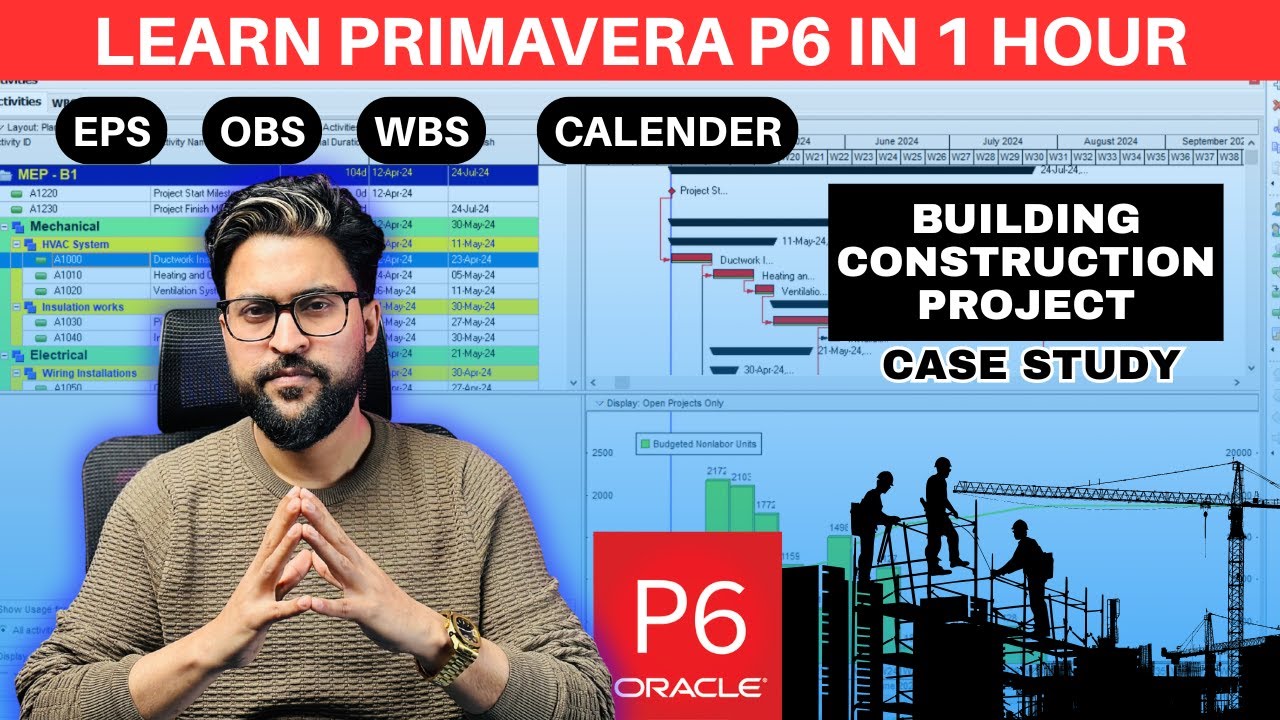
Complete Primavera P6 For Beginners in 1 Hour | Full Project in Primavera p6 in English
Learn with EngrWaqas
Overview
This video provides a comprehensive beginner's guide to Primavera P6, a project management software. It covers essential setup, including creating an Enterprise Project Structure (EPS) and new projects. The tutorial walks through building a Work Breakdown Structure (WBS), defining activities, and setting up project calendars. It also explains how to link activities to establish dependencies, determine durations based on productivity, and understand the critical path method (CPM). The latter part of the video delves into resource and cost loading, analyzing project performance through S-curves and histograms, and finally, setting and tracking baselines to monitor project execution and identify slippages. The instructor emphasizes practical application and job readiness for aspiring planning engineers.
Save this permanently with flashcards, quizzes, and AI chat
Chapters
- Primavera P6 is a crucial tool for project planning, control, and scheduling, essential for planning engineer roles.
- The video aims to provide a professional-level understanding from scratch, covering project setup, scheduling, resource loading, and baseline management.
- An Enterprise Project Structure (EPS) acts like a folder system to organize multiple projects within an organization.
- Creating a new project involves defining its name, unique ID, start date, and associating it with an EPS.
- The Work Breakdown Structure (WBS) is a hierarchical decomposition of the project into smaller, manageable components or phases.
- Activities are the specific tasks that make up each WBS element, derived from contract documents like the Bill of Quantities (BOQ).
- The WBS should be approved by clients and consultants before loading detailed activities to avoid rework.
- Activities are added manually or can be imported in bulk, with each activity having a unique ID, name, and duration.
- Essential administrative settings include selecting the industry (e.g., Engineering and Construction) and defining units of measure and currency.
- Customizing the dashboard involves adding or removing columns like Activity ID, Duration, and Cost to suit specific needs.
- Users can save different layout configurations (e.g., for critical path analysis, cost breakdown) for quick switching.
- Project calendars define working days, hours, and non-working days (holidays), which are crucial for accurate scheduling.
- Activities are linked together using relationships (predecessor/successor) to define the project's logical sequence.
- Durations are assigned to activities, often derived from productivity rates and total quantities from the BOQ.
- The critical path method (CPM) identifies the longest sequence of dependent activities that determines the shortest possible project duration.
- Critical activities have zero float, meaning any delay in them will directly impact the project completion date.
- Resources (labor, non-labor, material) are defined with their types, units of measure, and costs.
- Resources are assigned to activities to justify their durations and calculate associated costs.
- The software can generate S-curves and histograms to visualize project funding requirements, cost, and resource allocation over time.
- Level 4 planning involves assigning resources and costs to justify the durations determined by the critical path method.
- A baseline is a snapshot of the project plan (schedule, cost, scope) taken at a specific point, usually before execution begins.
- Setting a baseline allows for tracking progress and identifying variances (slippage or ahead of schedule) against the original plan.
- Key planning documents for submission include the project schedule (PDF/Excel), S-curves, resource histograms, and narrative reports.
- Exporting project data to Excel or PDF formats is essential for sharing with stakeholders who may not have Primavera P6 access.
Key takeaways
- Primavera P6 is a powerful tool for professional project planning, scheduling, and control, essential for career advancement in project management.
- A structured approach, starting with EPS and WBS, is vital for organizing complex projects within P6.
- Accurate activity definition, dependency linking, and duration assignment are fundamental to creating a reliable project schedule.
- The Critical Path Method (CPM) is central to project scheduling, highlighting activities that directly impact project completion time.
- Resource and cost loading provide financial and resource visibility, enabling better project budgeting and forecasting.
- Baselines are critical for monitoring project performance by providing a benchmark against which actual progress is measured.
- Effective communication and documentation, including reports and schedule exports, are key responsibilities of a planning engineer.
Key terms
Test your understanding
- What is the primary purpose of an Enterprise Project Structure (EPS) in Primavera P6?
- How does a Work Breakdown Structure (WBS) help in organizing project tasks?
- Explain the concept of the Critical Path Method (CPM) and why it is important for project managers.
- What is the difference between a baseline and the current project schedule, and how is it used for tracking?
- How do resource assignments contribute to the accuracy of project cost and duration estimates in Primavera P6?