1 Create RFC in SAP for webservice
Zafar Karnalkar
Overview
This video explains how to create and consume SOAP-based web services in SAP, also known as RFC-based web services. It covers two main scenarios: exposing SAP functionality (like fetching purchase order data for a vendor) as a web service for external systems to consume, and consuming external web services from within SAP. The process involves creating function groups and modules, marking them as remote-enabled, using SAP's wizards to generate web services, configuring them in SOAMANAGER, and then either sharing the WSDL file or importing it to create client proxies. The video demonstrates the initial steps of creating a function group and a remote-enabled function module to retrieve purchase order headers based on a vendor ID.
Save this permanently with flashcards, quizzes, and AI chat
Chapters
- SOAP (Simple Object Access Protocol) is a standard for exchanging data between systems over the internet using XML.
- In SAP, SOAP services facilitate B2B and system-to-system communication.
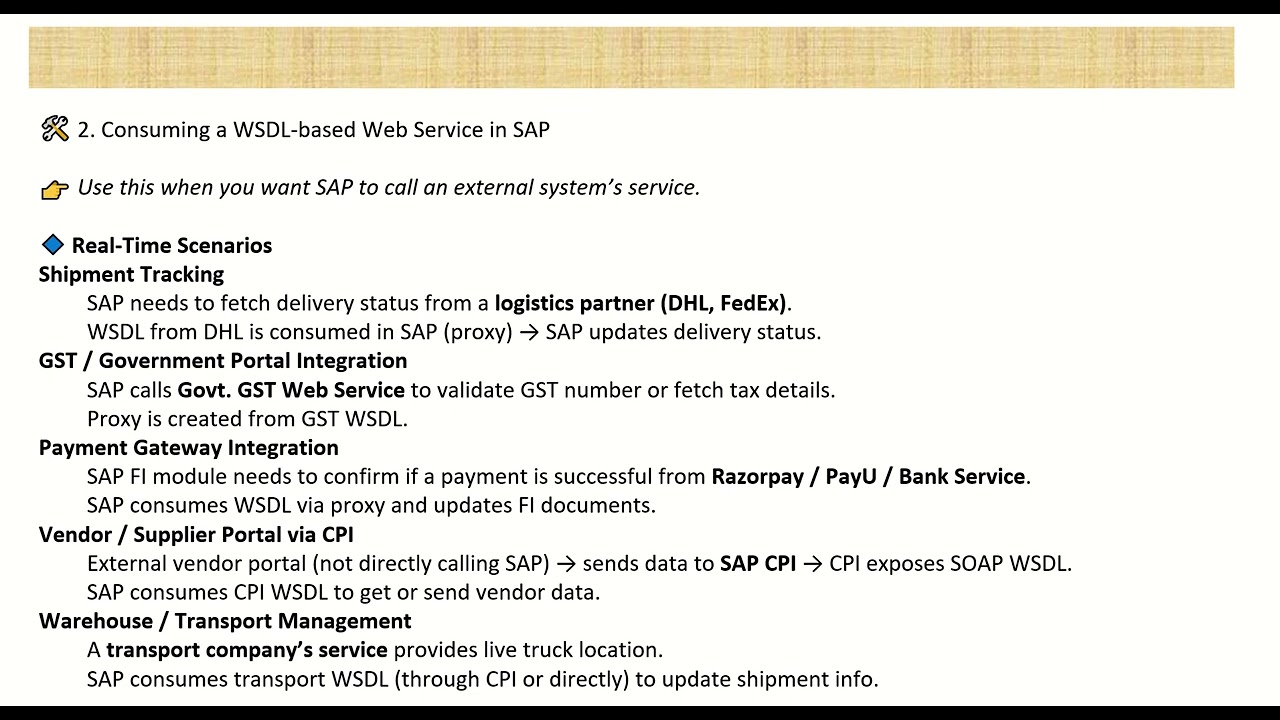
- SAP's SOAP services can either expose SAP logic/data as a web service (SAP as provider) or consume external web services (SAP as consumer).
- Use cases include integrating with third-party apps, e-commerce portals, vendor portals, and financial systems.
- The process starts with creating a function group (optional, can use existing).
- Create a function module and mark it as 'remote-enabled' in its attributes.
- Use SAP's wizard to generate the web service from the function module.
- Configure the service in SOAMANAGER: create bindings, define authentication (e.g., user/password), and activate the service.
- Download the WSDL file from SOAMANAGER to share with external systems.
- Obtain the WSDL file from the external system providing the web service.
- Use transaction 'SO80' (Enterprise Services Repository) to create a 'consumer proxy' (client proxy) based on the WSDL.
- Configure a 'logical port' in SOAMANAGER for the consumer proxy, setting the endpoint URL and authentication details.
- Write an ABAP program to call the generated proxy class to interact with the external web service.
- Create a function group (e.g., 'Z_SOAP') using transaction SE80.
- Create a function module (e.g., 'Z_GET_PO_DETAIL_SRV') within the function group.
- In the function module's attributes, select 'Remote-Enabled Module'.
- Define import parameters (e.g., 'IP_LIFNR' for vendor ID) and table parameters (e.g., 'ET_EKKO' for PO header data).
- Implement the logic to fetch data (e.g., using SELECT on EKKO table) and use 'CONVERSION_EXIT_ALPHA_INPUT' for input parameters.
Key takeaways
- SOAP web services are essential for integrating SAP with external systems.
- SAP can act as both a web service provider and a consumer.
- The process of exposing SAP logic involves creating remote-enabled function modules and configuring them via SOAMANAGER.
- Consuming external services requires creating client proxies from WSDLs and configuring logical ports.
- Proper handling of input/output parameters, especially using conversion exits like ALPHA, is critical for data consistency.
- SOAMANAGER is the central tool for configuring and managing web services in SAP.
- WSDL files are the contracts that describe how to interact with a web service.
Key terms
Test your understanding
- What is the primary purpose of SOAP web services in SAP?
- How does SAP differentiate between acting as a web service provider versus a consumer?
- What are the essential steps to expose an SAP function module as a web service?
- Why is it important to mark a function module as 'Remote-Enabled Module'?
- What role does the WSDL file play in web service communication?
- How would you configure an external web service to be called from within SAP?