5:45
Computer Fundamentals - Operating Systems - Desktop & Mobile OS - Microsoft Windows Mac Fundamental
Professor Adam Morgan
Overview
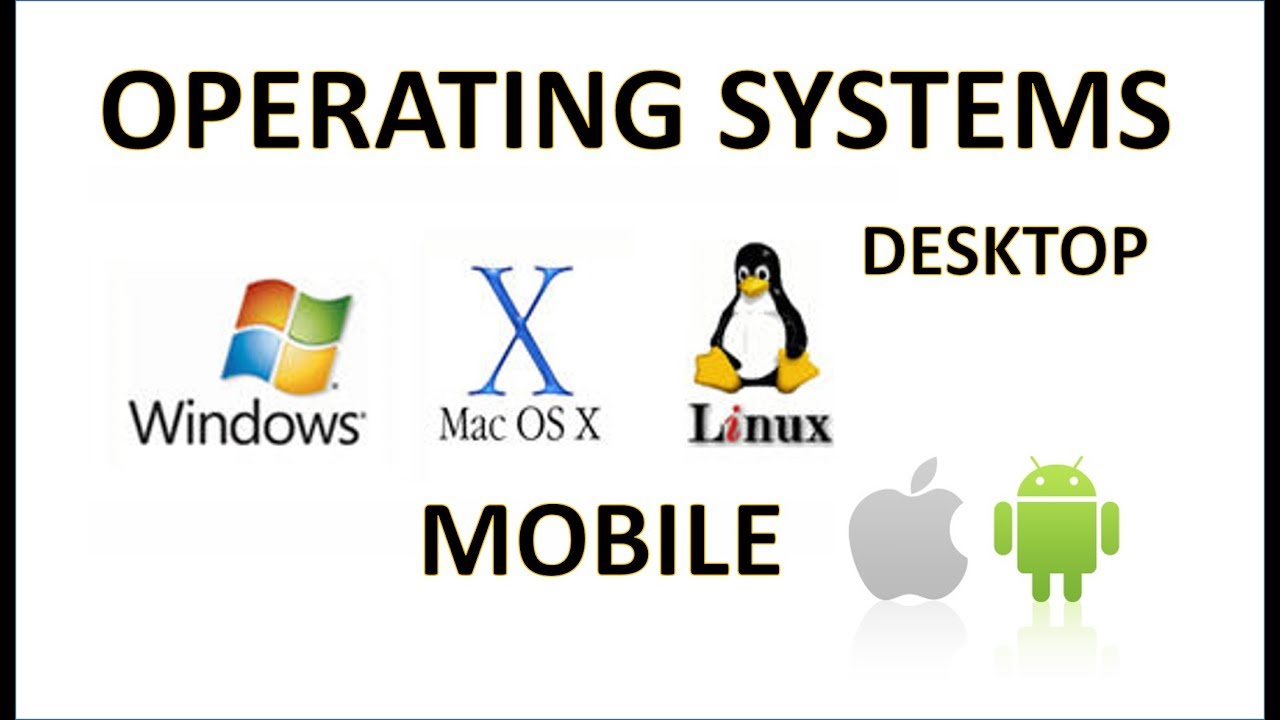
This video introduces operating systems (OS) as the essential software that manages a computer's hardware and software, acting as the 'brain' and the interface between the user and the machine. It details the three major desktop OSs: Microsoft Windows, Apple macOS, and Linux, highlighting their market share, key features like graphical user interfaces (GUIs), and differences. The video also contrasts desktop OSs with mobile OSs, focusing on the two dominant players in the mobile market: Apple's iOS and Google's Android, and explains why mobile devices have different capabilities than desktops.
How was this?
Save this permanently with flashcards, quizzes, and AI chat
Chapters
- The operating system (OS) is the most critical software on a computer, functioning as its 'brain'.
- It manages all hardware and software resources, including files and memory.
- The OS processes user inputs (like keyboard clicks) and provides expected outputs.
- It enables communication between the user and the computer through a graphical user interface (GUI).
Understanding the OS is fundamental because it's the core software that makes your device functional and allows you to interact with it.
When you click an icon to open a program, the OS interprets that click, finds the program, loads it into memory, and displays it on your screen.
- Microsoft Windows is the most popular desktop OS globally, used on about 80% of computers, with Windows 10 being a recent version.
- Apple's macOS is the second most popular, running exclusively on Apple hardware like Macs and MacBooks, and holds about a 10% market share.
- Linux is an open-source OS, meaning it can be freely modified and distributed, leading to many versions, and is popular for servers due to its flexibility and cost (free).
- All three popular desktop OSs utilize a Graphical User Interface (GUI) for user interaction.
Knowing the major desktop OSs helps you understand the software landscape, potential compatibility issues, and the reasons behind their differing market shares and user experiences.
The visual difference between clicking 'Start' on Windows and clicking the Apple logo in the top-left corner on a Mac illustrates the distinct GUIs of these operating systems.
- Mobile operating systems are generally less feature-rich than desktop OSs due to hardware limitations and design for portability.
- Apple's iOS is exclusive to Apple devices like iPhones and iPads.
- Google's Android OS is used across a wide range of devices from various manufacturers, including Samsung, LG, and Google Pixel.
- Mobile OSs often have specialized apps and functionalities optimized for touch interfaces and on-the-go use.
Understanding the differences between mobile and desktop OSs, and the major mobile players, explains why your phone and computer operate differently and how different ecosystems cater to specific needs.
While you can run Microsoft Excel on both a desktop and a phone, the version on your phone is simplified for a smaller screen and touch input, unlike the full-featured desktop version.
Key takeaways
- The operating system is the foundational software that controls all computer functions and user interactions.
- Microsoft Windows dominates the desktop OS market, followed by Apple's macOS, with Linux as a significant open-source alternative.
- Mobile operating systems are specialized for portable devices, with iOS and Android being the two primary competitors.
- The choice of operating system impacts user experience, available software, and hardware compatibility.
- Open-source operating systems like Linux offer flexibility and cost advantages, often used in server environments.
- Mobile OSs are designed with different constraints and capabilities compared to their desktop counterparts.
- Keeping your operating system updated is crucial for security and performance.
Key terms
Operating System (OS)Graphical User Interface (GUI)Microsoft WindowsmacOSLinuxOpen SourceiOSAndroidDesktop OSMobile OS
Test your understanding
- What are the primary functions of an operating system?
- How does a Graphical User Interface (GUI) facilitate user interaction with an operating system?
- What are the main differences between Microsoft Windows, macOS, and Linux?
- Why are mobile operating systems like iOS and Android distinct from desktop operating systems?
- What does it mean for an operating system like Linux to be 'open source'?