4:16
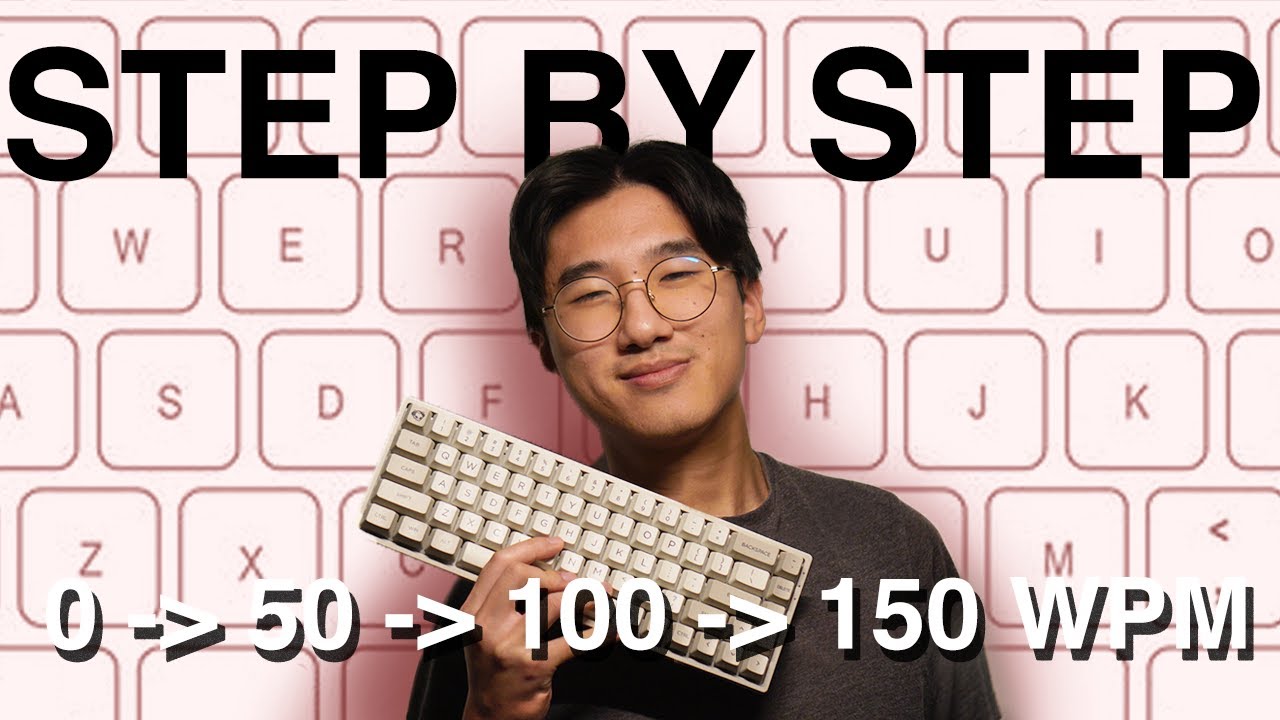
How To Type Faster (Tips for every stage 0 - 50 - 100 - 150 WPM)
Mr Chops
Overview
This video provides a step-by-step guide to improving typing speed, targeting different skill levels from beginner to advanced. It emphasizes the importance of touch typing, using online tools for practice, and developing efficient typing habits. The guide progresses from basic finger placement and accuracy to advanced techniques like looking ahead at the next word and thinking of words as single units. It aims to motivate learners by highlighting the benefits of faster typing for various tasks and encouraging consistent practice to overcome plateaus.
How was this?
Save this permanently with flashcards, quizzes, and AI chat
Chapters
- Touch typing, or typing without looking at the keyboard, is a fundamental skill that benefits everyone.
- The average typing speed of 40 WPM is considered slow, with significant improvement possible within months.
- Proper finger placement on the home row (ASDF JKL;) is crucial for efficient touch typing.
- Initial slowness is expected when learning touch typing, but it leads to long-term speed gains.
Learning proper touch typing techniques from the start prevents the development of bad habits and lays the foundation for significant speed and accuracy improvements.
Using the correct finger for each section of the keyboard, starting with the home row position.
- Websites like '10 Fast Fingers' and 'TypeRacer' are recommended for practicing typing speed.
- 'TypeRacer' gamifies the learning process, while '10 Fast Fingers' allows continuation despite errors.
- A useful shortcut is 'Control + Backspace' to quickly delete an entire word, saving time compared to repeated backspacing.
Utilizing practice tools and efficient shortcuts can make the learning process more engaging and significantly reduce the time spent correcting errors.
Using 'Control + Backspace' to delete a misspelled word instead of pressing the backspace key multiple times.
- At a medium level, start practicing looking at the next word while typing the current one.
- This 'look ahead' technique reduces pauses between words, allowing thoughts to flow more smoothly.
- Reaching speeds like 80 WPM can earn titles like 'Mega Racer' on practice platforms.
Implementing advanced techniques like predictive reading allows for more fluid typing and bridges the gap between simply typing words and expressing thoughts rapidly.
While typing the word 'Mountain', your eyes are already scanning and processing the next word, 'Number'.
- Typing 100 WPM or more places you in the top 1% of typists.
- At higher speeds, typing feels more natural than handwriting, allowing thoughts to flow directly into text.
- Think of entire words as single units or 'strokes' rather than individual key presses.
- Accuracy becomes paramount at higher speeds, as mistakes significantly slow down progress.
Mastering advanced strategies like word chunking and prioritizing accuracy transforms typing from a mechanical task into a seamless extension of thought, crucial for high-level performance.
Mentally processing and typing the word 'person' as one fluid action, rather than focusing on each letter individually.
- Consistent practice in short bursts is effective, fitting it into daily routines.
- It's normal to experience periods where improvement seems to stall (plateaus).
- Persistence with the learned techniques is key to breaking through these plateaus and continuing to improve.
- The goal is continuous improvement, aiming for speeds like 140-150 WPM.
Understanding that plateaus are a normal part of skill acquisition and maintaining consistent practice are essential for long-term typing improvement and achieving higher speeds.
Practicing typing for a few minutes before a lecture or whenever free time is available, rather than attempting long, infrequent sessions.
Key takeaways
- Touch typing is a foundational skill that unlocks significant speed and efficiency gains.
- Consistent practice using dedicated online tools is crucial for measurable improvement.
- Developing efficient habits, like proper finger placement and looking ahead, accelerates progress.
- Advanced techniques, such as treating words as single units, are key to reaching elite typing speeds.
- Accuracy is more important than raw speed, especially at higher WPM levels, to avoid time lost on corrections.
- Overcoming plateaus requires patience and continued application of learned techniques.
- Short, regular practice sessions are more effective than infrequent, long ones.
Key terms
Words Per Minute (WPM)Touch TypingHome Row10 Fast FingersTypeRacerControl + BackspaceLook Ahead TechniqueTyping PlateausAccuracyWord Chunking
Test your understanding
- What is the primary benefit of learning touch typing?
- How can practice websites like '10 Fast Fingers' and 'TypeRacer' aid in improving typing speed?
- Explain the 'look ahead' technique and why it helps increase typing speed.
- What advanced strategy involves thinking of words as single units, and why is it effective?
- Why is accuracy particularly important when aiming for very high typing speeds (e.g., 100+ WPM)?