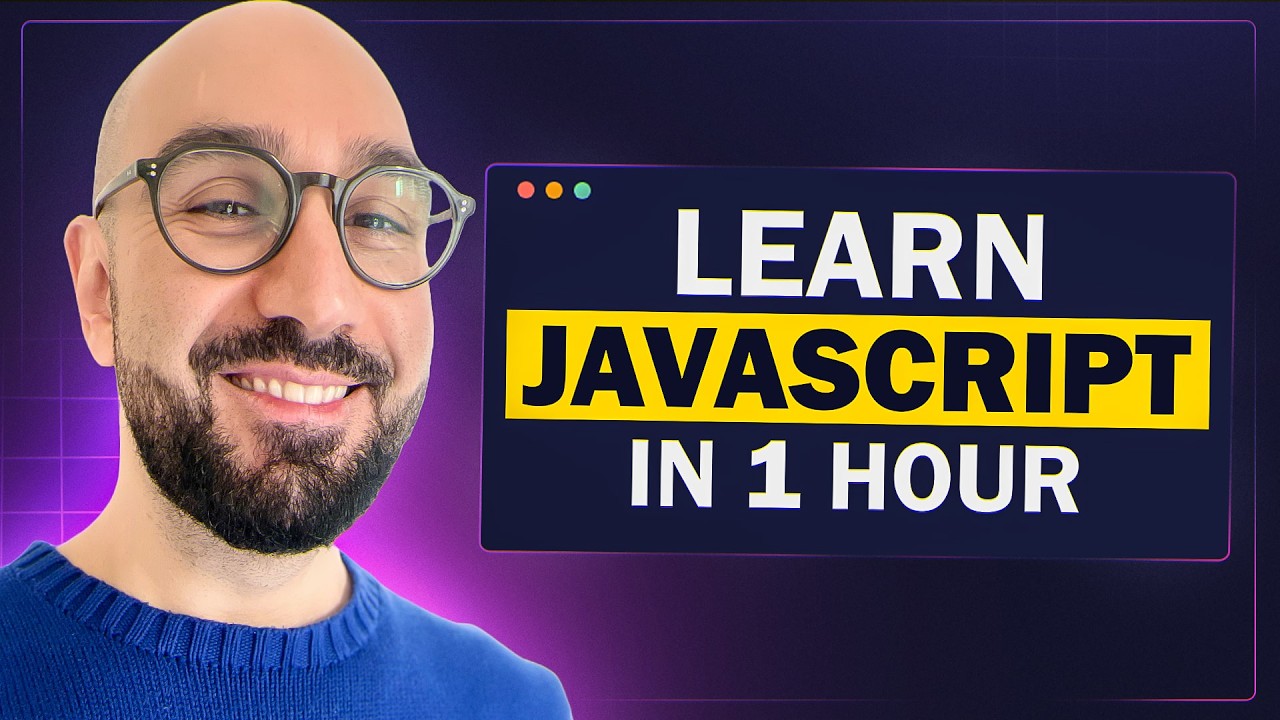
JavaScript Course for Beginners – Your First Step to Web Development
Programming with Mosh
Overview
This video serves as a beginner's introduction to JavaScript, covering its fundamental concepts and practical applications. It begins by defining JavaScript, explaining its capabilities in web development, and clarifying its execution environments (browsers and Node.js). The video then differentiates JavaScript from ECMAScript. Subsequent sections delve into setting up a development environment, writing basic JavaScript code, and introducing core programming concepts like variables, constants, primitive data types (strings, numbers, booleans, undefined, null), reference types (objects, arrays), and functions. The explanation emphasizes practical examples and best practices for writing clean and efficient code.
Save this permanently with flashcards, quizzes, and AI chat
Chapters
- JavaScript is a popular, widely-used programming language essential for web development, offering career opportunities as a front-end, back-end, or full-stack developer.
- Beyond interactive web pages, JavaScript can now be used to build full-scale web and mobile applications, real-time services, command-line tools, and games.
- JavaScript code runs in two primary environments: within web browsers (using engines like V8) and on servers or as standalone applications using Node.js.
- ECMAScript is the official specification that JavaScript adheres to; JavaScript is the implementation of that specification, with annual updates since 2015 (e.g., ES6).
- To write JavaScript, you need a code editor; Visual Studio Code is recommended for its features and ease of use.
- Node.js should also be installed, not just for running JavaScript outside the browser, but crucially for managing third-party libraries.
- A project folder should be created, and within it, an 'index.html' file to serve as a host for JavaScript code.
- The 'Live Server' VS Code extension is used to automatically refresh the browser when code changes are saved, facilitating a smooth development workflow.
- JavaScript code is typically placed within `<script>` tags, ideally at the end of the `<body>` section of an HTML file to ensure all page elements are rendered first.
- Placing scripts at the end of the body prevents the browser from getting blocked rendering the page while executing JavaScript, improving user experience.
- A statement is a complete instruction in JavaScript, often ending with a semicolon; a string is a sequence of characters enclosed in quotes.
- Comments (using `//`) are non-executable text used to explain code, focusing on the 'why' and 'how' rather than the 'what'.
- For better organization, JavaScript code should be separated into external `.js` files and linked to the HTML using the `<script src='...'></script>` tag.
- Node.js provides a runtime environment that allows JavaScript code to be executed outside of a web browser.
- You can run a JavaScript file by typing `node <filename.js>` in your terminal or command prompt.
- VS Code offers an integrated terminal, simplifying the process of running Node.js commands without leaving the editor.
- While Node.js is powerful for backend development and tooling, this course focuses on its role as a runtime environment for executing JavaScript code.
- Variables are used to store data temporarily in memory, identified by a name (like a label on a box).
- `let` is the modern keyword for declaring variables whose values can change; `const` is used for constants whose values cannot be reassigned.
- Variable names must be meaningful, cannot be reserved keywords, cannot start with a number, and should follow camelCase notation (e.g., `firstName`).
- JavaScript is dynamically typed, meaning a variable's type is determined at runtime and can change.
- Primitive data types include strings (text), numbers (integers and floats are treated the same), booleans (true/false), undefined (uninitialized), and null (explicitly empty value).
- Objects group related data using key-value pairs (properties), providing a way to represent real-world entities like a person with properties like name and age.
- Object properties can be accessed using dot notation (e.g., `person.name`) or bracket notation (e.g., `person['name']`), with dot notation being preferred for its conciseness.
- Arrays are used to store ordered lists of items, initialized with square brackets `[]` and accessed by their zero-based index (e.g., `colors[0]`).
- Both objects and arrays are reference types, and their contents (size, types of elements) are dynamic and can change at runtime.
- An array is technically a type of object in JavaScript, possessing properties like `length`.
- Functions are reusable blocks of code that perform a specific task or calculate a value.
- Functions are declared using the `function` keyword, followed by a name, parentheses for parameters, and curly braces for the function body.
- Parameters are variables declared in the function definition, while arguments are the actual values passed to the function when it's called.
- Functions can return a value using the `return` keyword, allowing them to be used in expressions or to initialize variables.
- Functions are essential for modularity, code reuse, and building complex applications by breaking down tasks into smaller, manageable units.
Key takeaways
- JavaScript is a versatile language used for both front-end and back-end web development, offering significant career opportunities.
- Understanding the distinction between JavaScript (the language) and ECMAScript (the specification) is important for grasping language evolution.
- A well-configured development environment, including a code editor and Node.js, is essential for efficient JavaScript development.
- Best practices like placing script tags at the end of the body and separating code into `.js` files improve web page performance and code organization.
- Variables declared with `let` are mutable, while `const` declares immutable references, making `const` the preferred choice for values that shouldn't change.
- JavaScript's dynamic typing allows variable types to change at runtime, offering flexibility but requiring careful attention.
- Objects and arrays are core data structures for organizing related data and lists, respectively, and are fundamental to managing information in applications.
- Functions promote code reusability and modularity, allowing developers to encapsulate logic for specific tasks or calculations.
Key terms
Test your understanding
- What is the primary difference between JavaScript and ECMAScript?
- Why is it recommended to place `<script>` tags at the end of the HTML `<body>`?
- How does Node.js enable JavaScript to run outside of a web browser?
- What is the difference between `let` and `const` when declaring variables, and when should each be used?
- Explain how objects and arrays differ in their purpose and structure.
- What is a function in JavaScript, and why are parameters and arguments important concepts within functions?