32:55
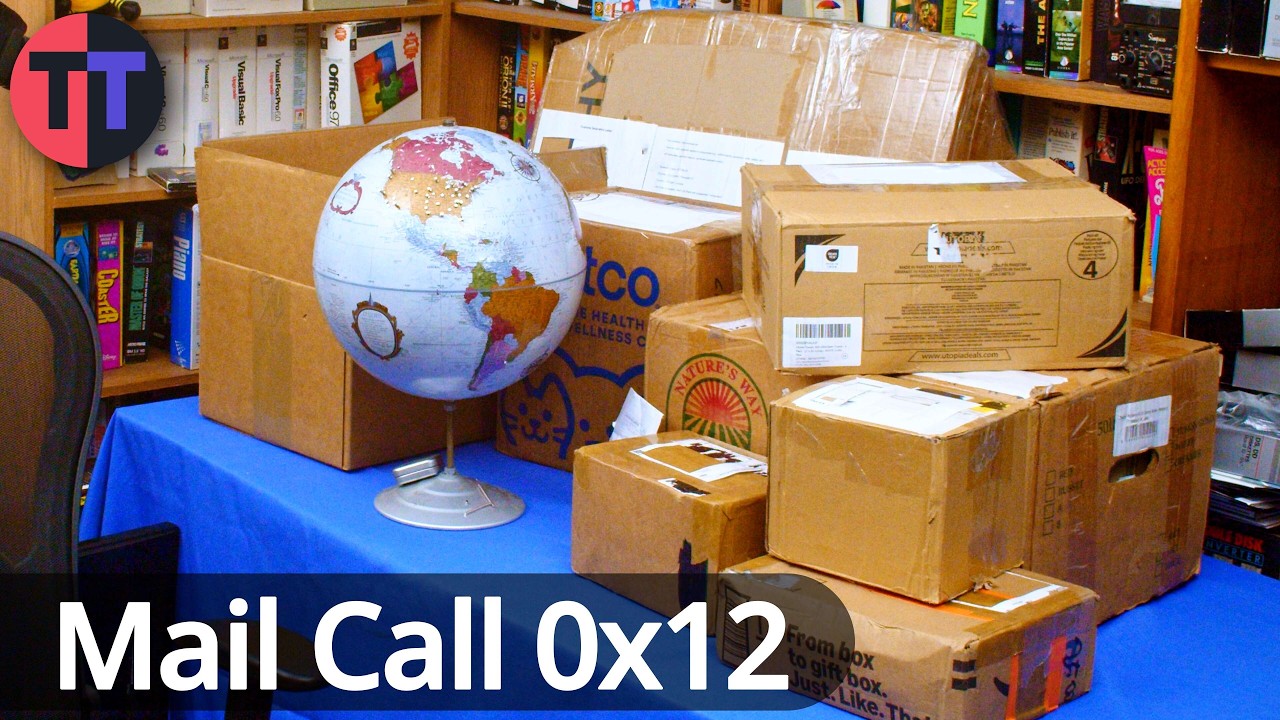
MailCall 0x12: Mail from viewers like you!
Tech Tangents
Overview
This video showcases a collection of items sent in by viewers, ranging from vintage computer hardware and accessories to specialized tools and a significant calculator collection. The host unpacks and discusses each item, highlighting its technical specifications, potential uses, and historical context. Key items include a high-density floppy drive, video adapter boards, replacement parts for vintage typewriters, various data cables, vintage software, and a diverse array of calculators, some with unique functionalities. The video emphasizes the generosity of the viewers and the value of preserving and understanding retro technology.
How was this?
Save this permanently with flashcards, quizzes, and AI chat
Chapters
- The video features a 'mail video' where the host opens packages sent by viewers.
- Many items have been held for a while, waiting for a dedicated mail video.
- The host expresses excitement about the potentially interesting and cool items received.
This sets the stage for the video, establishing the premise of receiving and exploring viewer-contributed items, which is the core content.
The host mentions waiting to open some packages for a proper mail video, differentiating from items already featured in other videos.
- A Cumulus external floppy drive is received, notable for being a 1.2 MB drive instead of the more common 360K.
- A specific detail is the red LED on the 1.2 MB drive, which contradicts the host's usual rule of thumb (red for 360K, green for 1.2 MB).
- A passive TTL video adapter (MDA, CGA, EGA to VGA) is received, useful for capturing older video standards with modern equipment.
- The video adapter is expected to work well with devices like the RetroTINK 4K.
These items are crucial for interacting with and preserving data from older computer systems, highlighting the challenges and solutions in retro computing.
The Cumulus external floppy drive with a red LED, which is unusual for a 1.2 MB drive, illustrates a specific technical anomaly.
- Replacement drive belts and a pulley for a Deckwriter typewriter are provided.
- These parts address common issues like plastic gear shrinkage and wear on typewriter components.
- Multiple GPIB (IEEE 488) cables, also known as HPIB cables, are received, useful for connecting multiple HP test equipment.
- 25-pin to 9-pin serial adapter cables are included, essential for connecting vintage serial equipment to modern systems.
These components are vital for maintaining and utilizing vintage peripherals, ensuring their continued functionality for projects and data retrieval.
The Deckwriter drive belts and pulley are specific replacement parts for a known failure point in that model of typewriter.
- Official Deckwriter ribbon cartridges for specific models (LA30, LA36, LA120) are received.
- Hyundai demonstration floppy disks with unique silk-screened labels are showcased.
- Several SSI AD&D (Advanced Dungeons & Dragons) titles on floppy disks for various platforms (Amiga, PC, C64) are included.
These items represent specific software and media formats from different eras, offering insights into gaming, operating systems, and early computer media.
The Hyundai demonstration floppy disks with screen-printed labels are highlighted as a rare and visually interesting example of floppy disk media.
- MDR connector cables, useful for Camera Link and Digital Flat Panel (DFP) displays, are received.
- A long VGA cable (potentially exceeding the recommended 50 ft limit) is included, with a potential use for a teleprompter display.
- An MCA diagnostic card PCB, designed by Tube Time, is received, featuring a special V-score edge for safe insertion into MCA slots.
- The diagnostic card is intended for troubleshooting PS/2 systems.
These specialized components, particularly diagnostic tools, are essential for troubleshooting and repairing vintage computer hardware, ensuring longevity.
The MCA diagnostic card's V-score edge is a specific design feature that addresses the physical challenges of using MCA slots, making it a notable technical detail.
- A large collection of vintage calculators is received, including models from Texas Instruments, Sharp, Casio, and others.
- Notable items include a TI-99/4A manual, a TI-74, a Sharp PC-1251 pocket computer with a printer and recorder, and a unique 'Grade Matic 200' calculator for averaging grades.
- The host emphasizes the need to remove batteries from all calculators to prevent leakage, a task that took significant time.
- Accessories like PC Magazine issues, software disks (DisplayWrite, IBM Basic, DOS), and operational guides are also included.
This extensive collection represents a significant aspect of personal computing history, showcasing the evolution of calculation and data processing tools.
The 'Grade Matic 200' is a highly specific and unusual calculator designed for educational purposes, demonstrating the diverse applications of early computing technology.
- A Summa Sketch 2 professional CAD tablet and stylus are received, used for CAD software and artistic projects.
- The tablet utilizes coils to sense the position of the puck and stylus.
- Bonus materials for AutoCAD R11, including a CAD overlay and alignment pegs, are included, providing context for the tablet's use.
- A trainer board, possibly a Sim Model 1 by Center Tech Systems Corp., featuring a Rockwell 6502 CPU, is also part of this package.
These items are crucial for understanding the workflow and hardware used in early computer-aided design and retro computing projects.
The Summa Sketch 2 tablet, with its specific design for sensing puck and stylus positions, illustrates a key input device for early CAD systems.
Key takeaways
- Viewer contributions are vital for the preservation and exploration of retro technology.
- Vintage hardware often requires specialized knowledge and replacement parts to maintain functionality.
- Understanding the technical specifications and historical context of older devices enhances their appreciation.
- The evolution of data storage and transfer methods (floppy disks, GPIB, serial ports) is a significant aspect of computing history.
- Unique and specialized calculators demonstrate the diverse applications of early computing beyond general-purpose tasks.
- The careful handling and preservation of vintage electronics, especially concerning battery leakage, are critical.
- Even seemingly simple accessories like old magazines or software manuals can provide valuable historical context.
Key terms
Mail videoFloppy driveMB (Megabyte)K (Kilobyte)LED (Light Emitting Diode)TTL videoMDA, CGA, EGA, VGACapture cardDeckwriterDrive beltsPlastic gearsGPIB (General Purpose Interface Bus)HPIB (Hewlett-Packard Interface Bus)IEEE 488Daisy chainSerial adapterNull modemDeckwriter ribbon cartridgesMDR connectorCamera LinkDFP (Digital Flat Panel)DisplayLinkDVIHDMIMCA (Micro Channel Architecture)PCB (Printed Circuit Board)V-scoreCalculatorPocket computerCAD (Computer-Aided Design)StylusAutoCADCPU (Central Processing Unit)6502Summa Sketch
Test your understanding
- What is the primary purpose of a mail video in the context of this channel?
- Why might a 1.2 MB floppy drive with a red LED be considered unusual?
- How do serial adapter cables facilitate the use of vintage equipment with modern computers?
- What are the potential challenges associated with using old typewriter ribbons, and how can they be addressed?
- Why is it important to remove batteries from vintage calculators before storing them?
- What is the function of a CAD tablet like the Summa Sketch, and how does it interact with software?
- What makes the MCA diagnostic card PCB unique in its manufacturing process?